New article
Recently updated
Transferring site ownership in Supply Chain Mapper

Who is this article for?
Site administrators and users with ownership management permissions in Supply Chain Mapper
No special access or permissions at required
This tutorial explains how to transfer site ownership within Supply Chain Mapper.
You will learn the sequential steps to update ownership settings securely and accurately.
1. Transferring site ownership
- Access the platform.
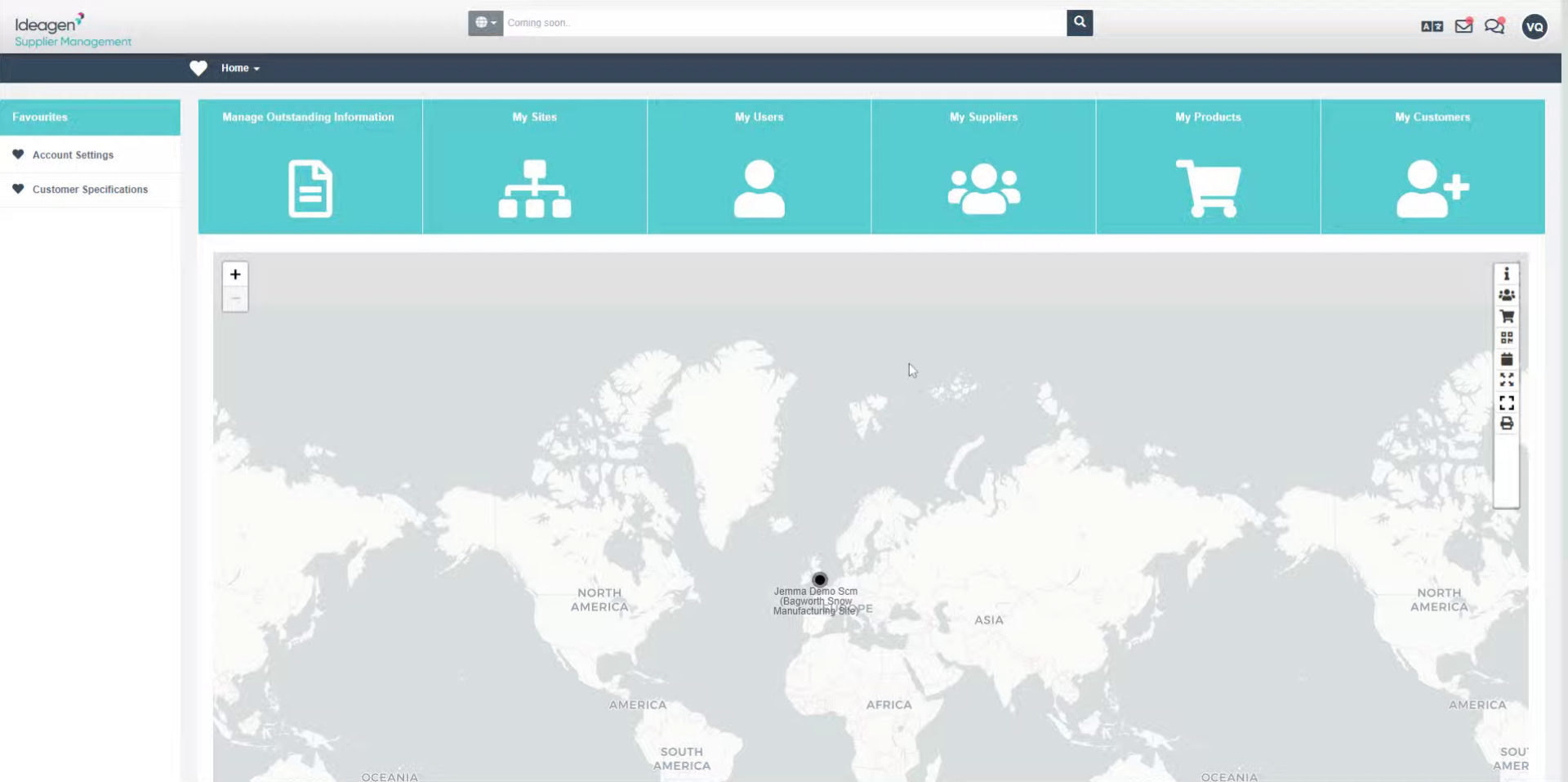
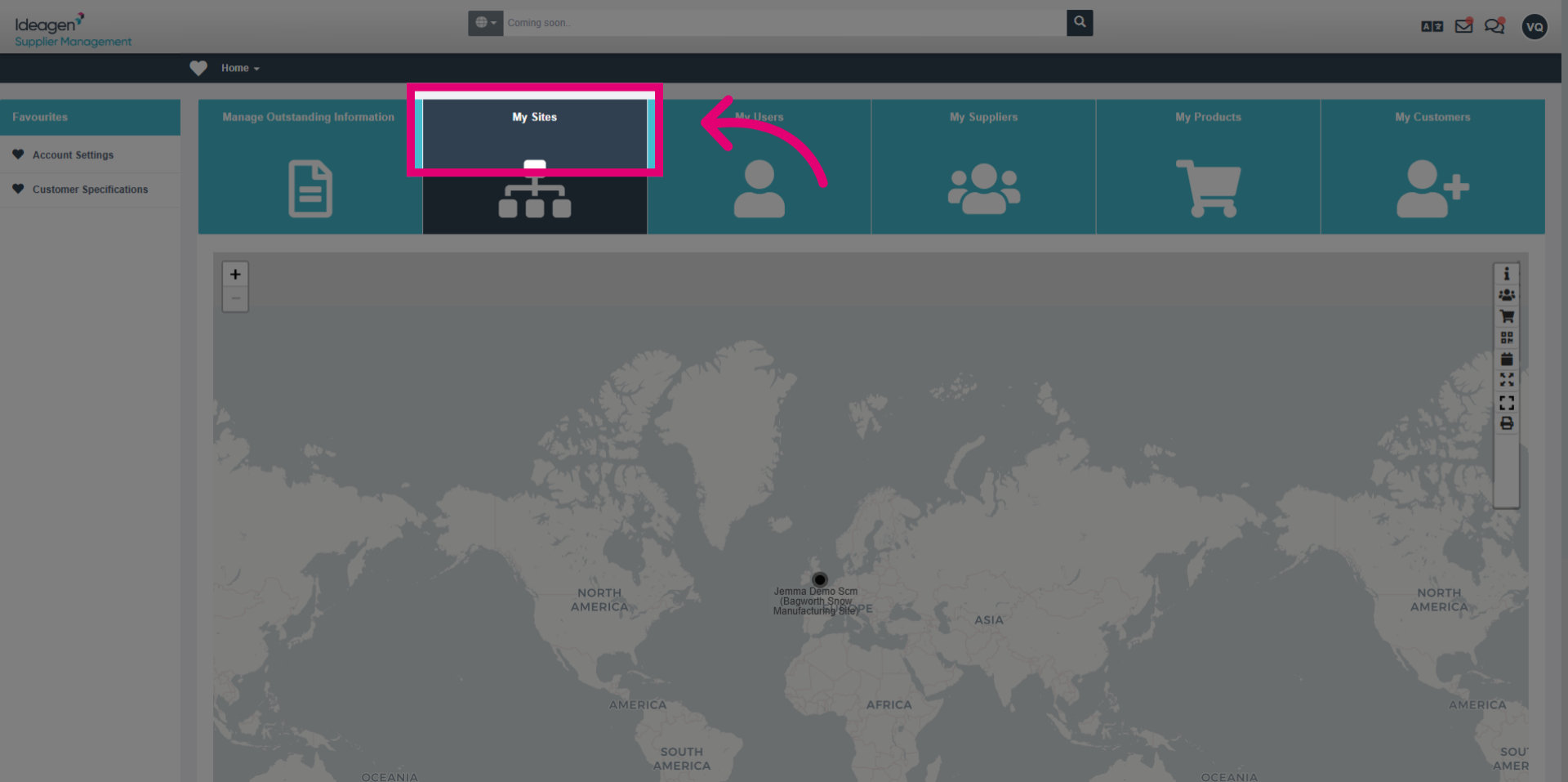
- Click the My Sites section to access your list of managed sites.
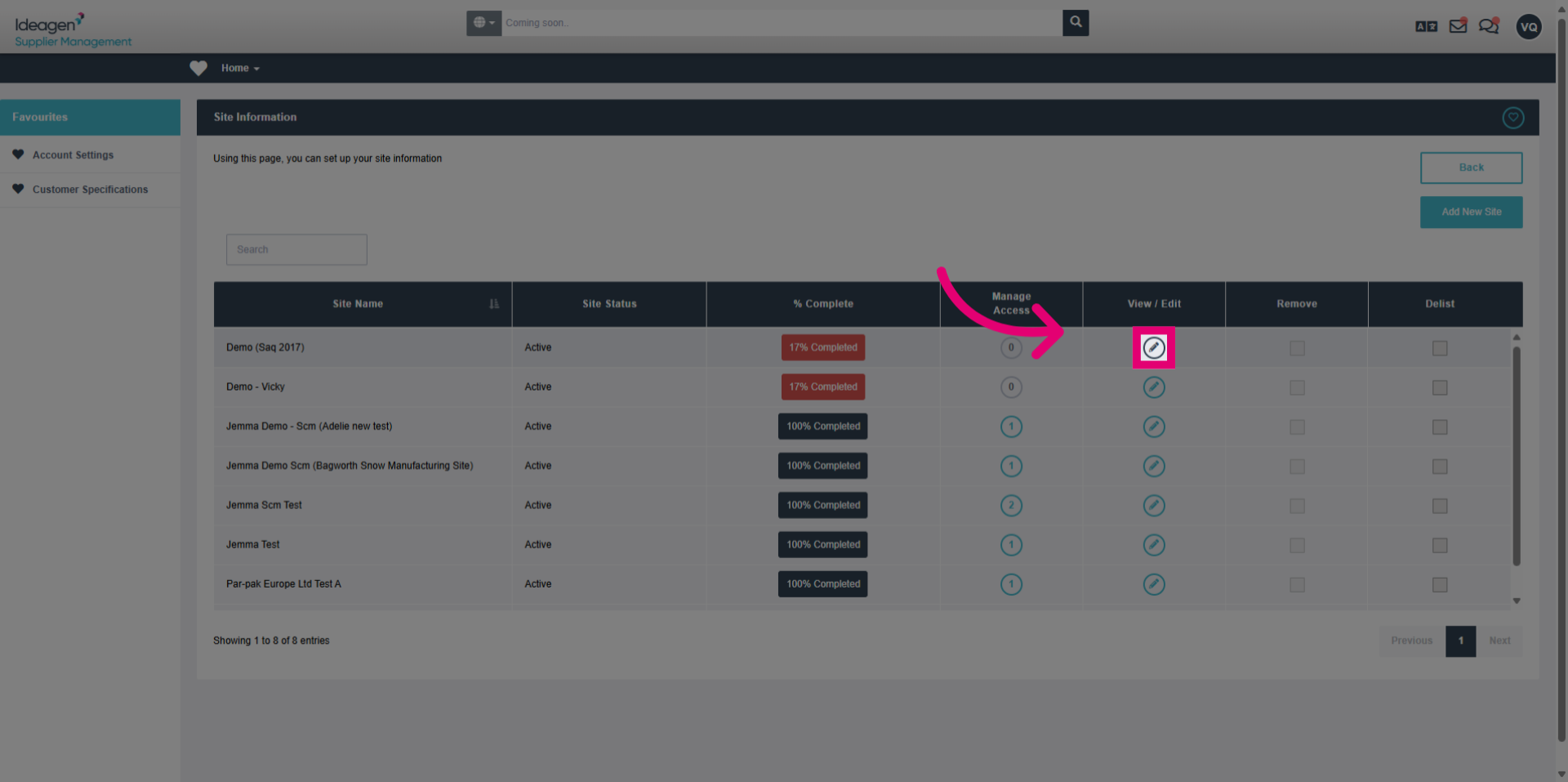
- Click the options menu to view available actions for the selected site.
- Click the current owner's name to open ownership details.
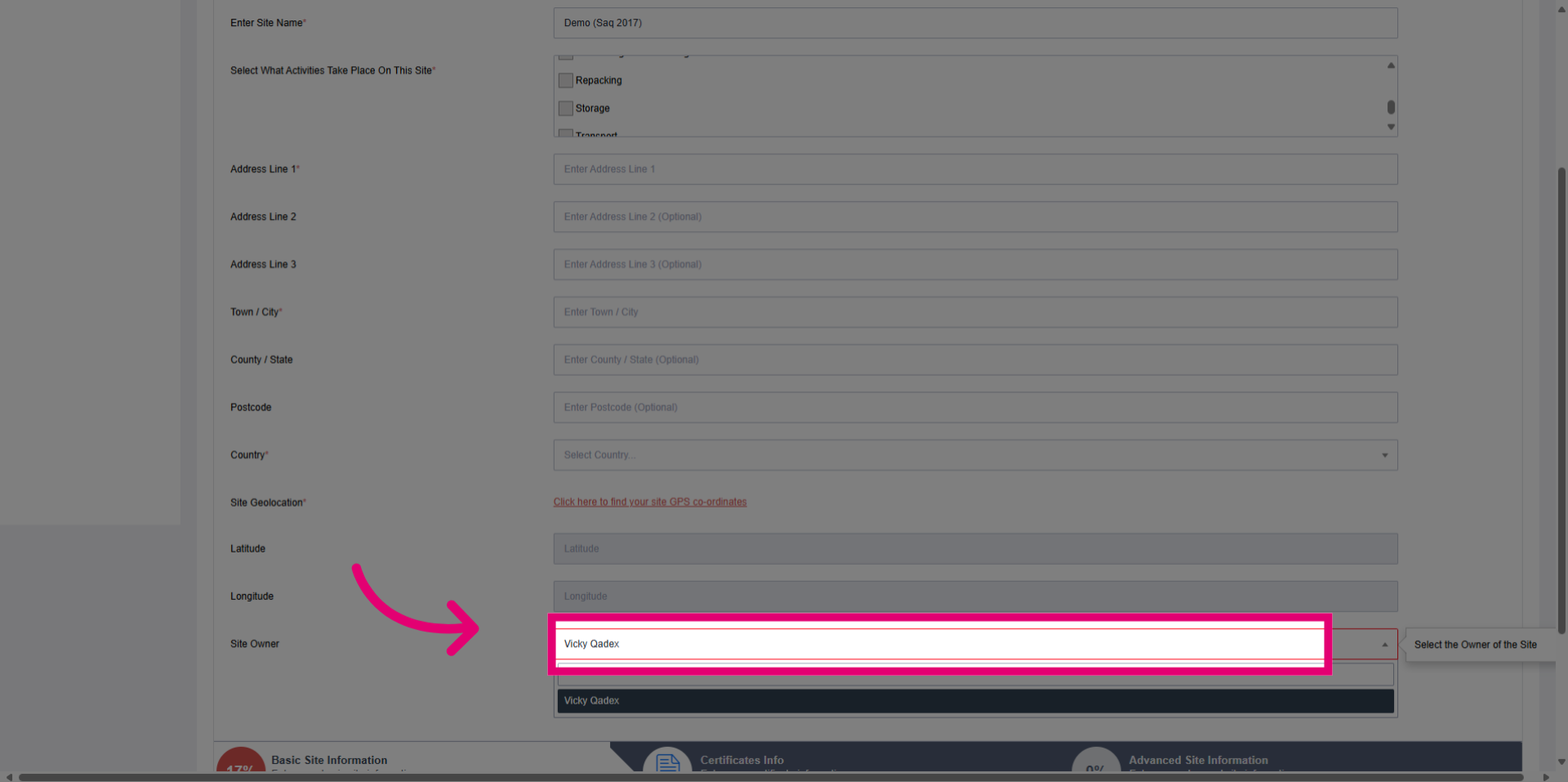
- Enter the new owner's information in the provided field to update ownership.
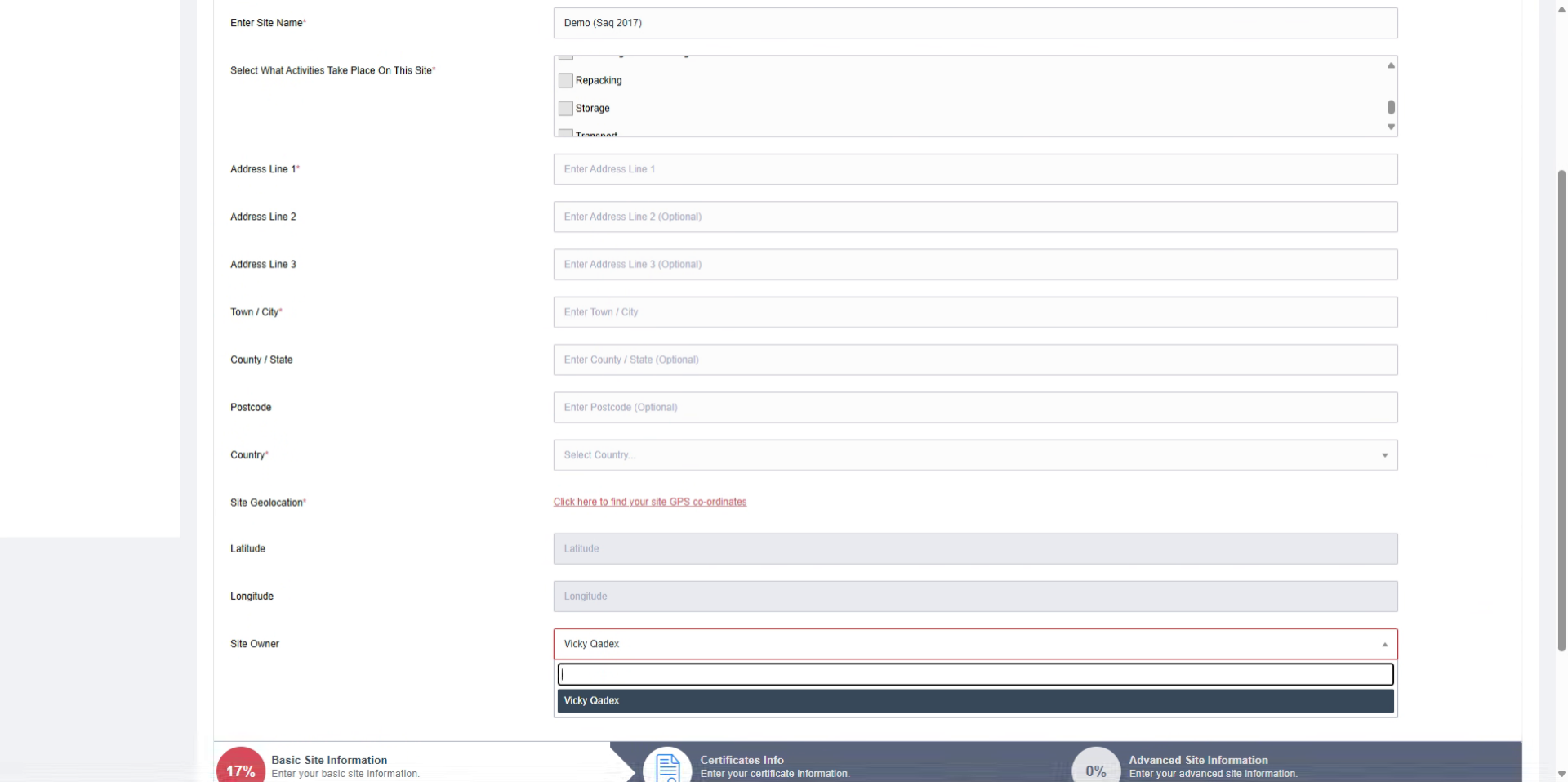
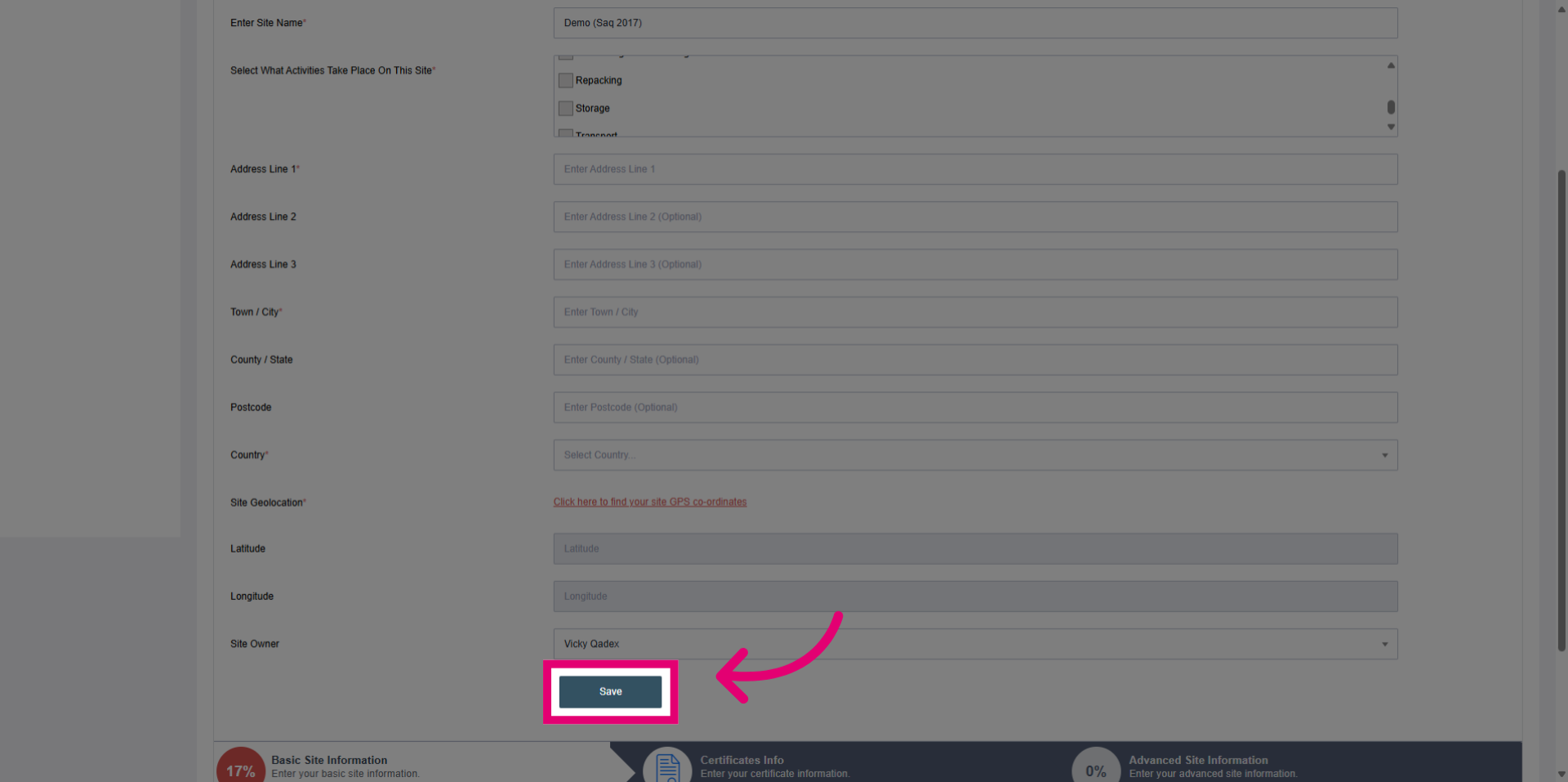
- Click the Save button to confirm and apply the new site ownership.