New article
Recently updated
Adding users in supply chain mapper

Who is this article for?
Supply Chain Mapper administrators and users with permission to manage user accounts.
No special access or permissions at required
This tutorial explains how to add new users to Supply Chain Mapper.
You will learn the steps to input user details and send invitations effectively.
1. Adding users
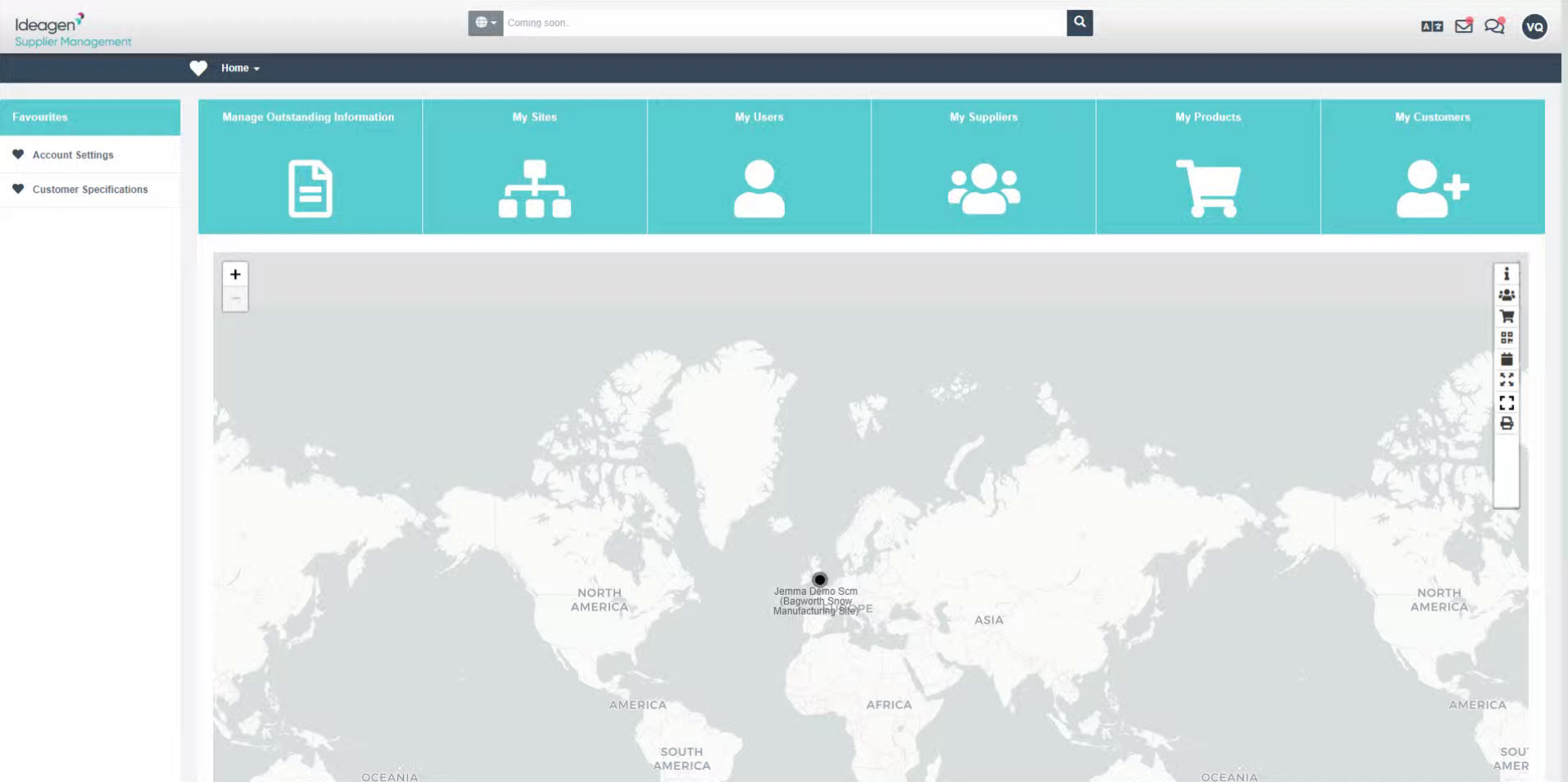
- Access the Supply Chain Mapper platform.
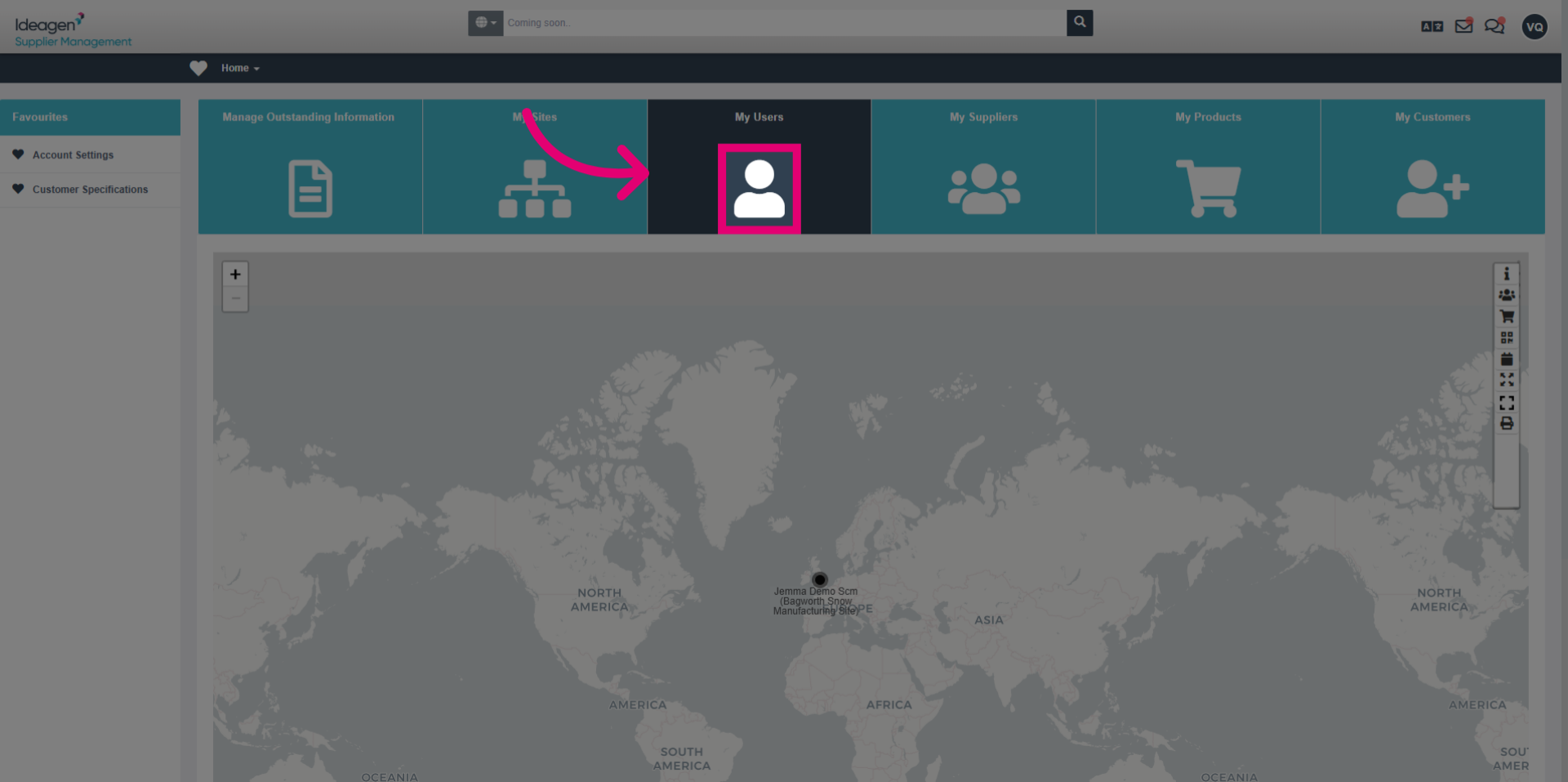
- Click the My User button to begin adding a new user to Supply Chain Mapper.
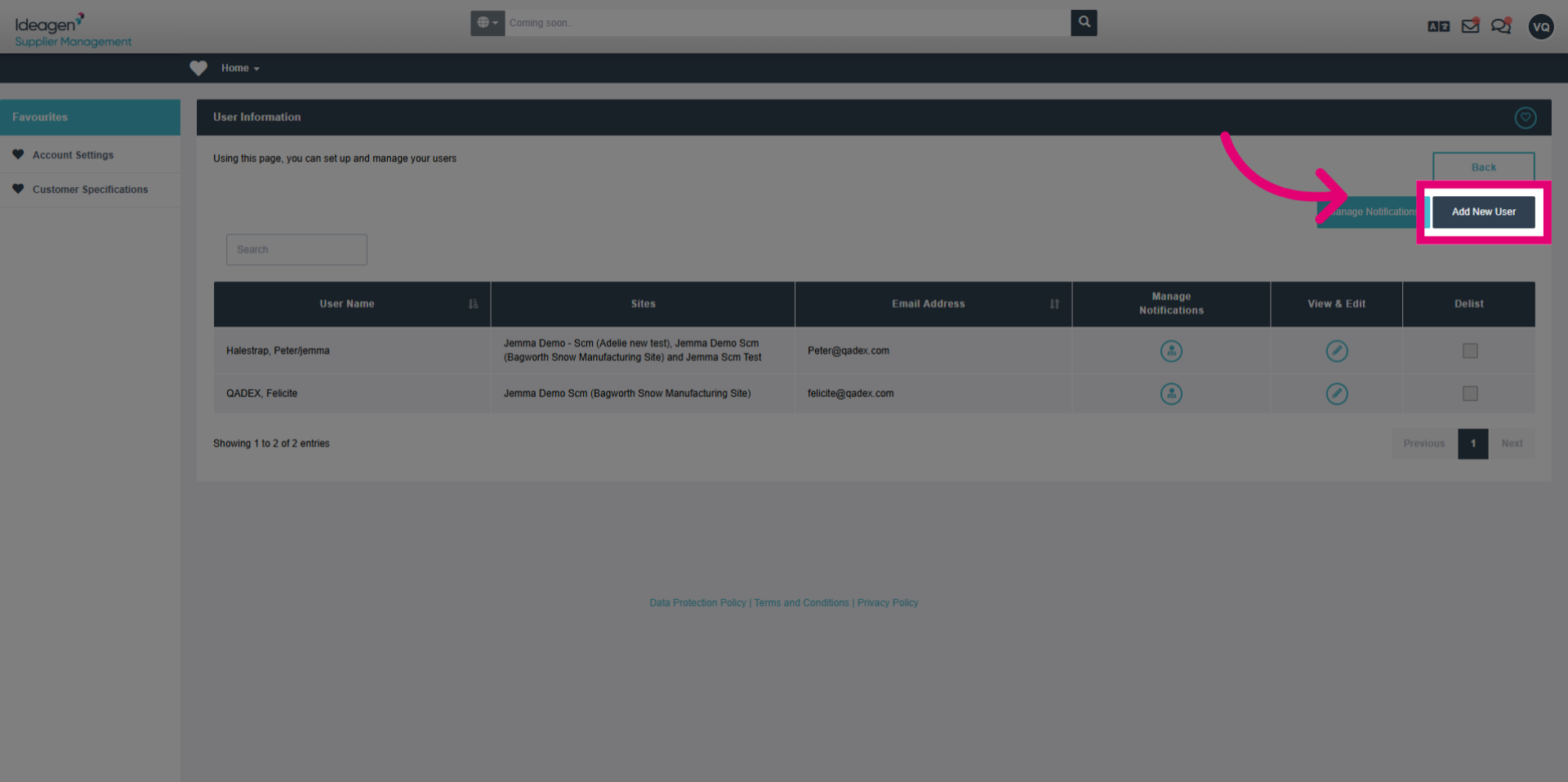
- Click Add New User to start the process of inviting a colleague to the platform.
2. Entering User Information
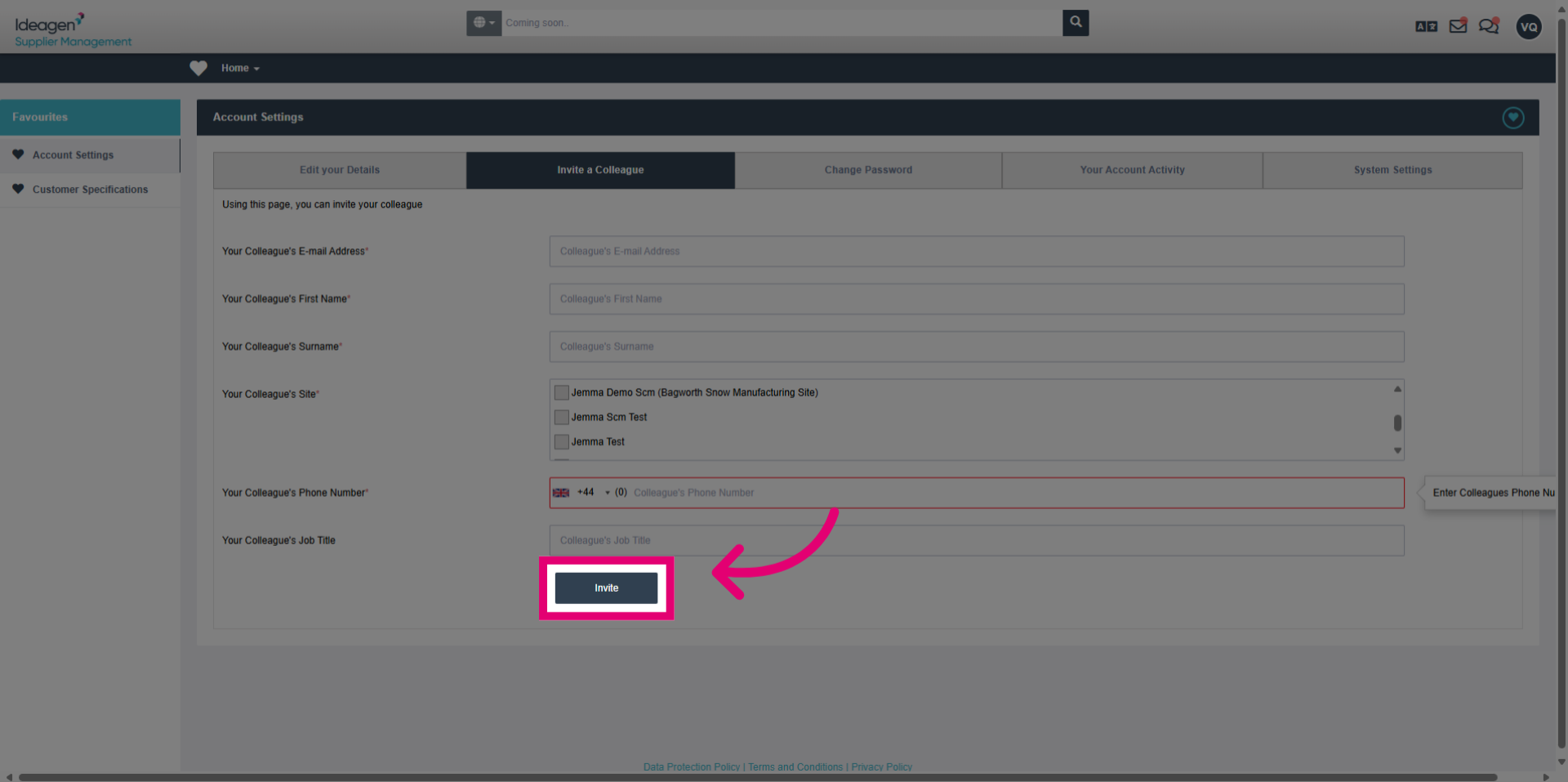
- Click the email address field and enter your colleague's email address to send the invitation.
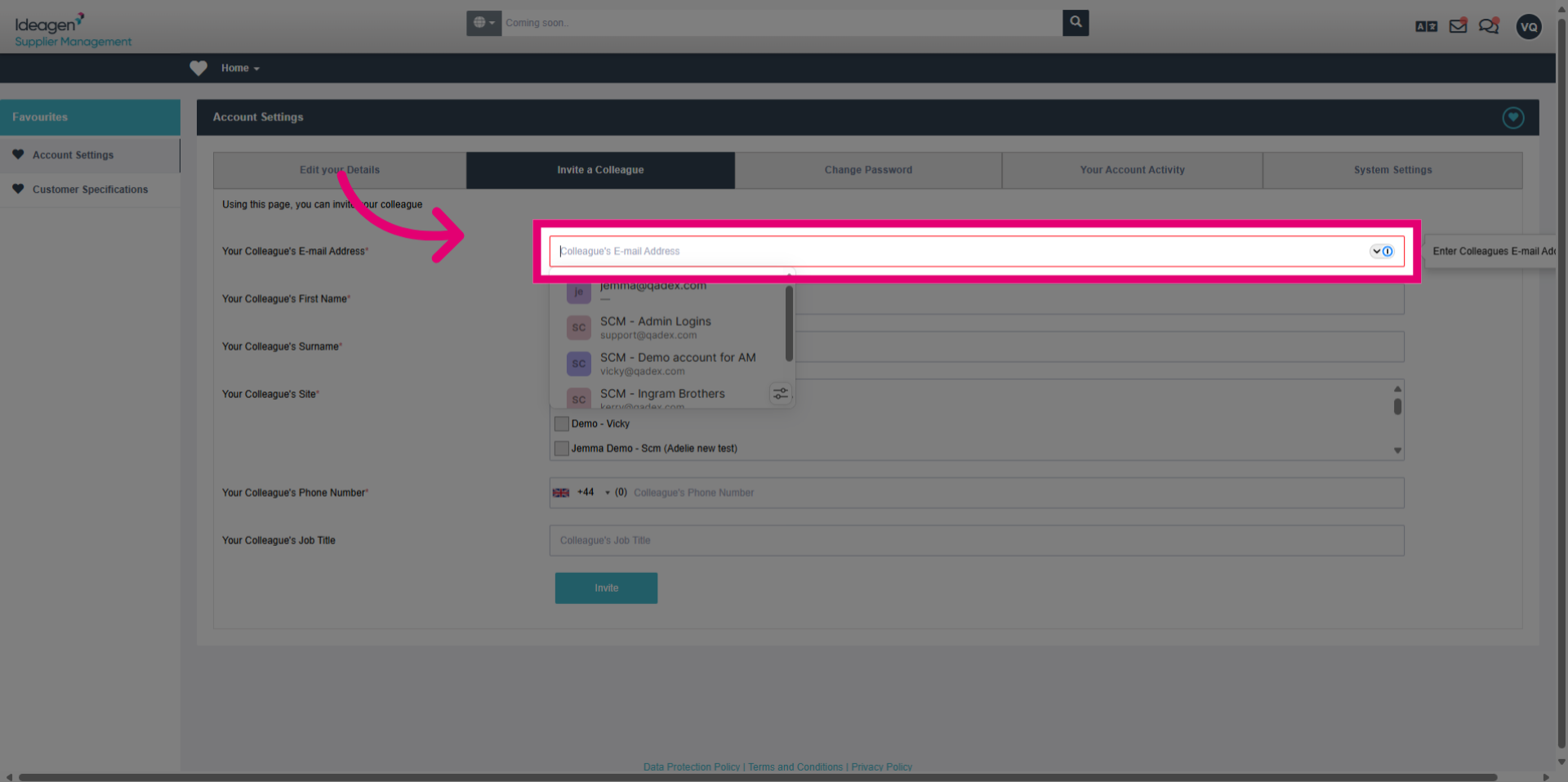
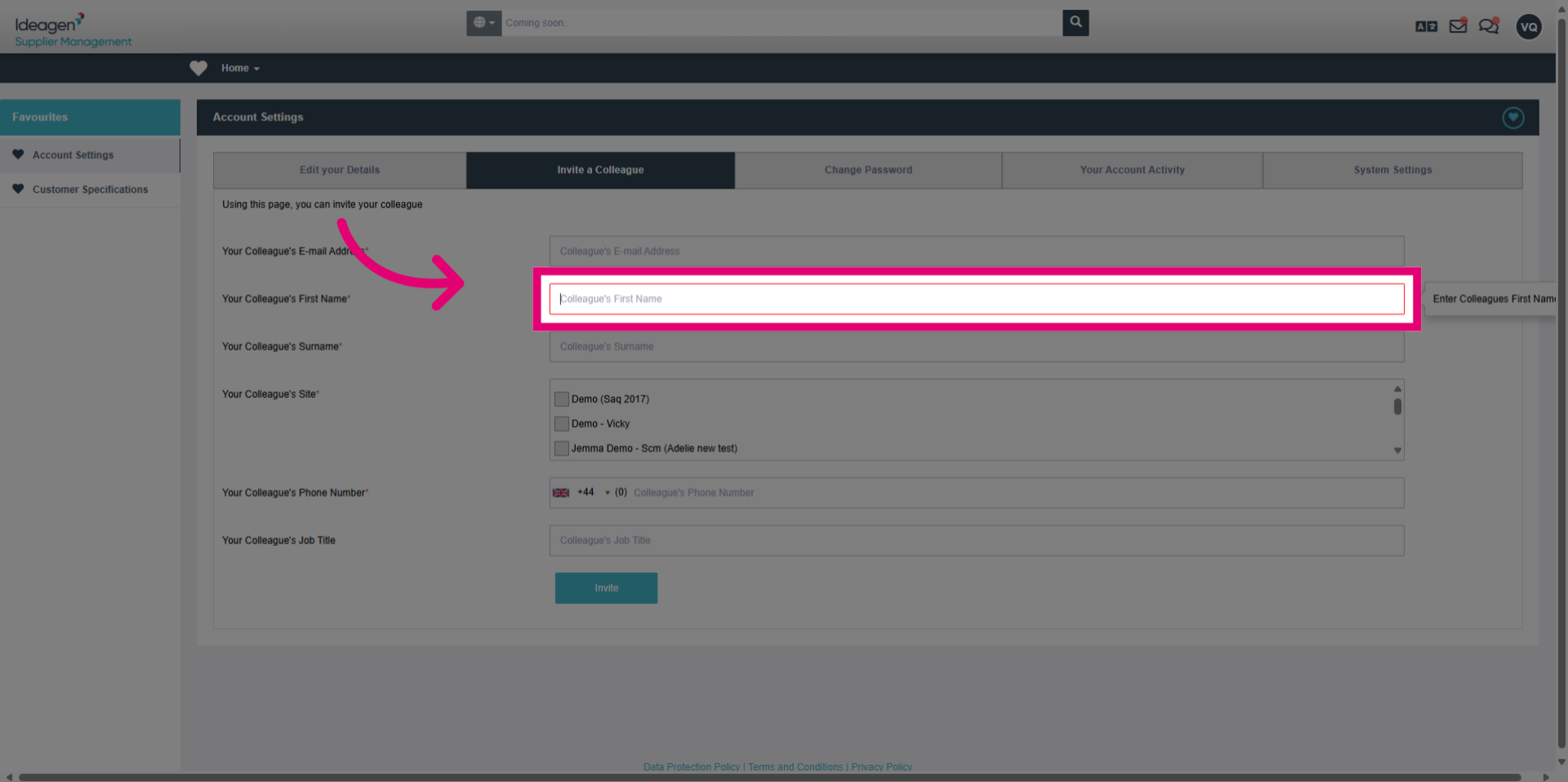
- Click the first name field and enter your colleague's first name for identification.
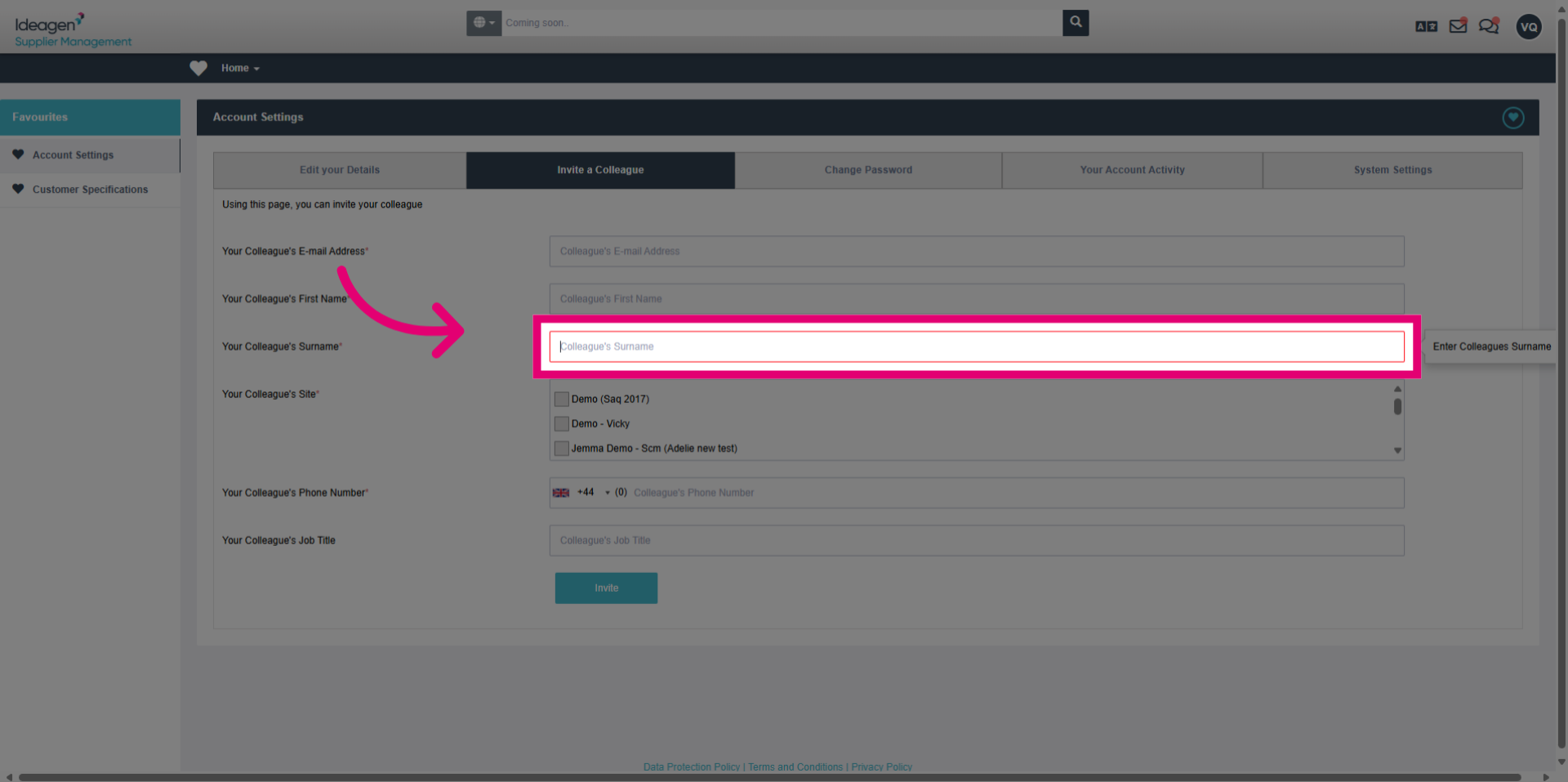
- Click the surname field and enter your colleague's last name to complete their profile information.
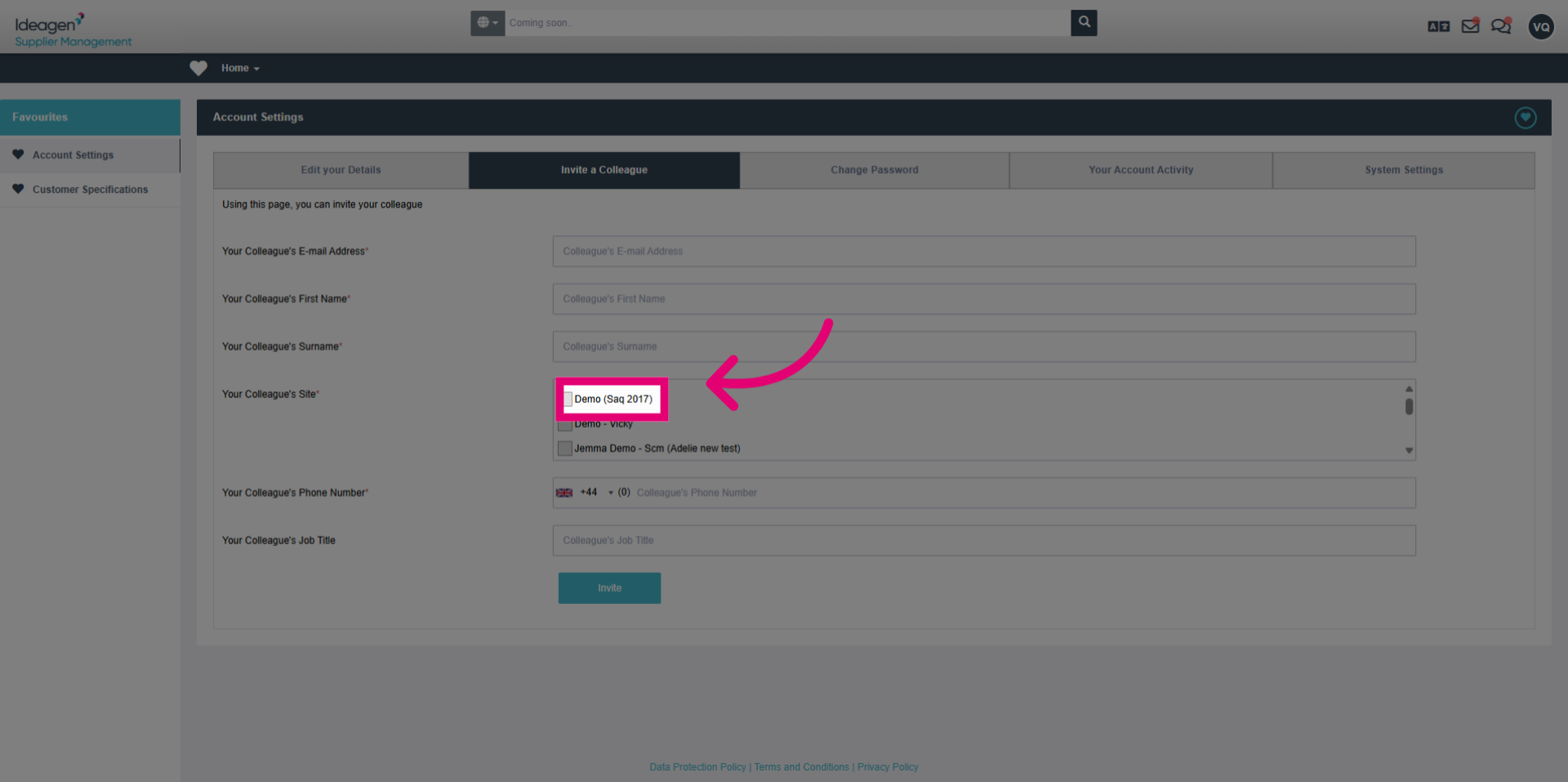
- Select the appropriate site from the available options to assign permissions.
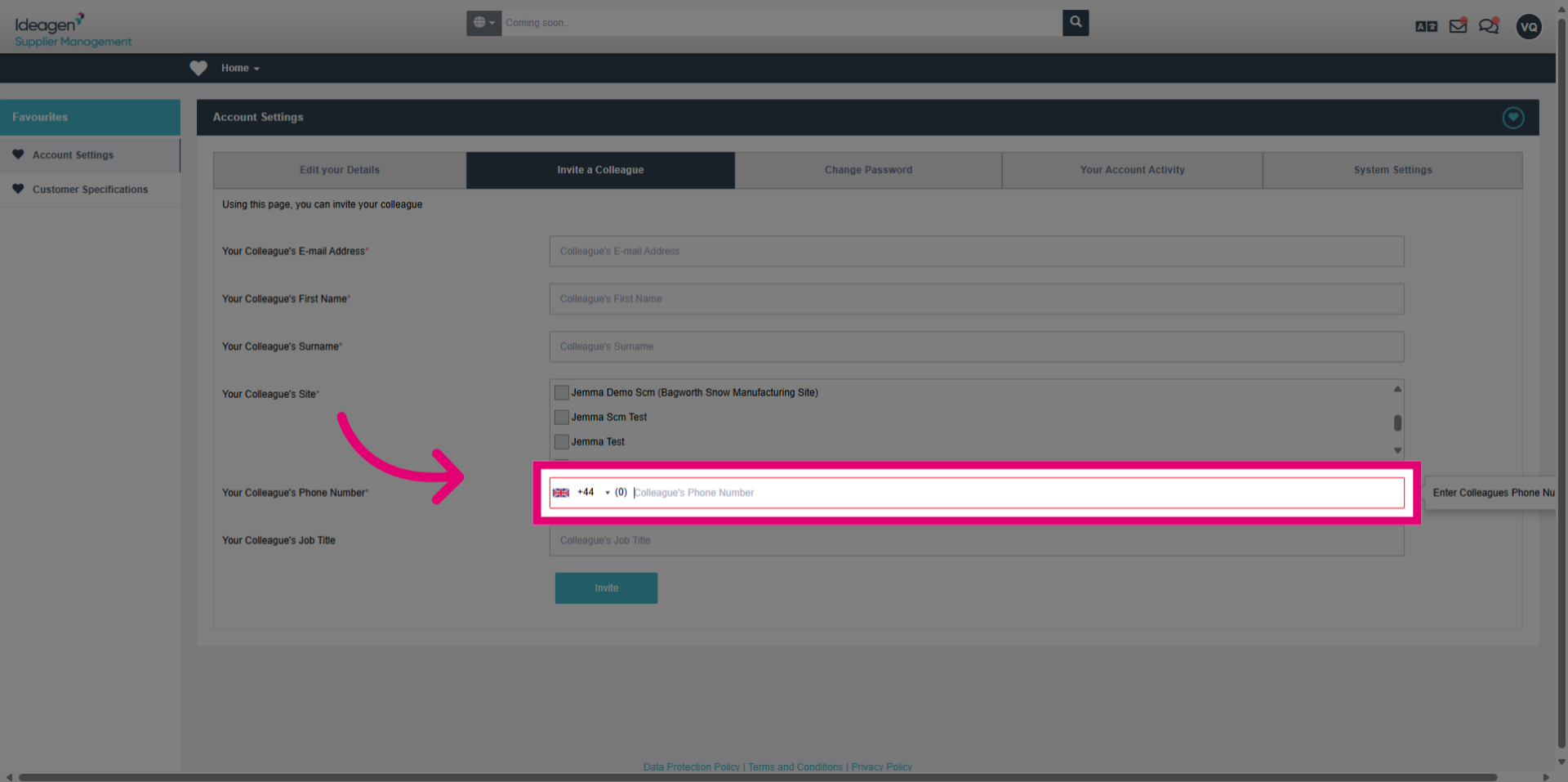
- Click the phone number field and enter your colleague's contact number for communication purposes.
3. Sending the Invitation
- Click the Invite button to send an invitation email to the new user, completing the addition process.