New article
Recently updated
Submitting a Specifications on Ideagen Supplier Management (SCM)

Who is this article for?
Suppliers using Ideagen Supplier Management (SCM)
No special access or permissions at required
In this session, you'll learn how to submit a specification using Ideagen Supplier Management (SCM).
This process will ensure your specifications are submitted correctly for your customer to review.
1. Submitting a Specification
- Access the Ideagen Supplier Management platform.
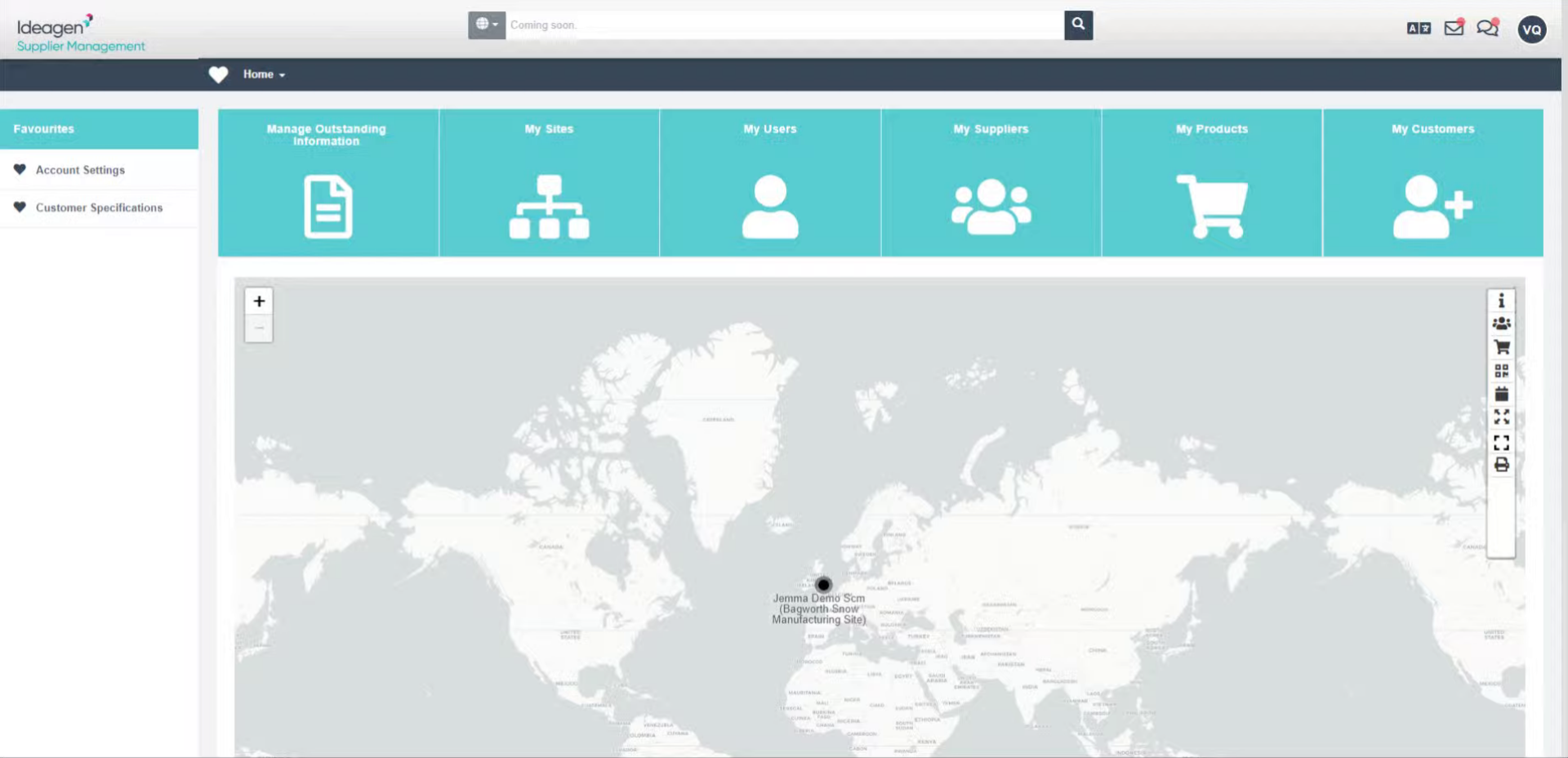
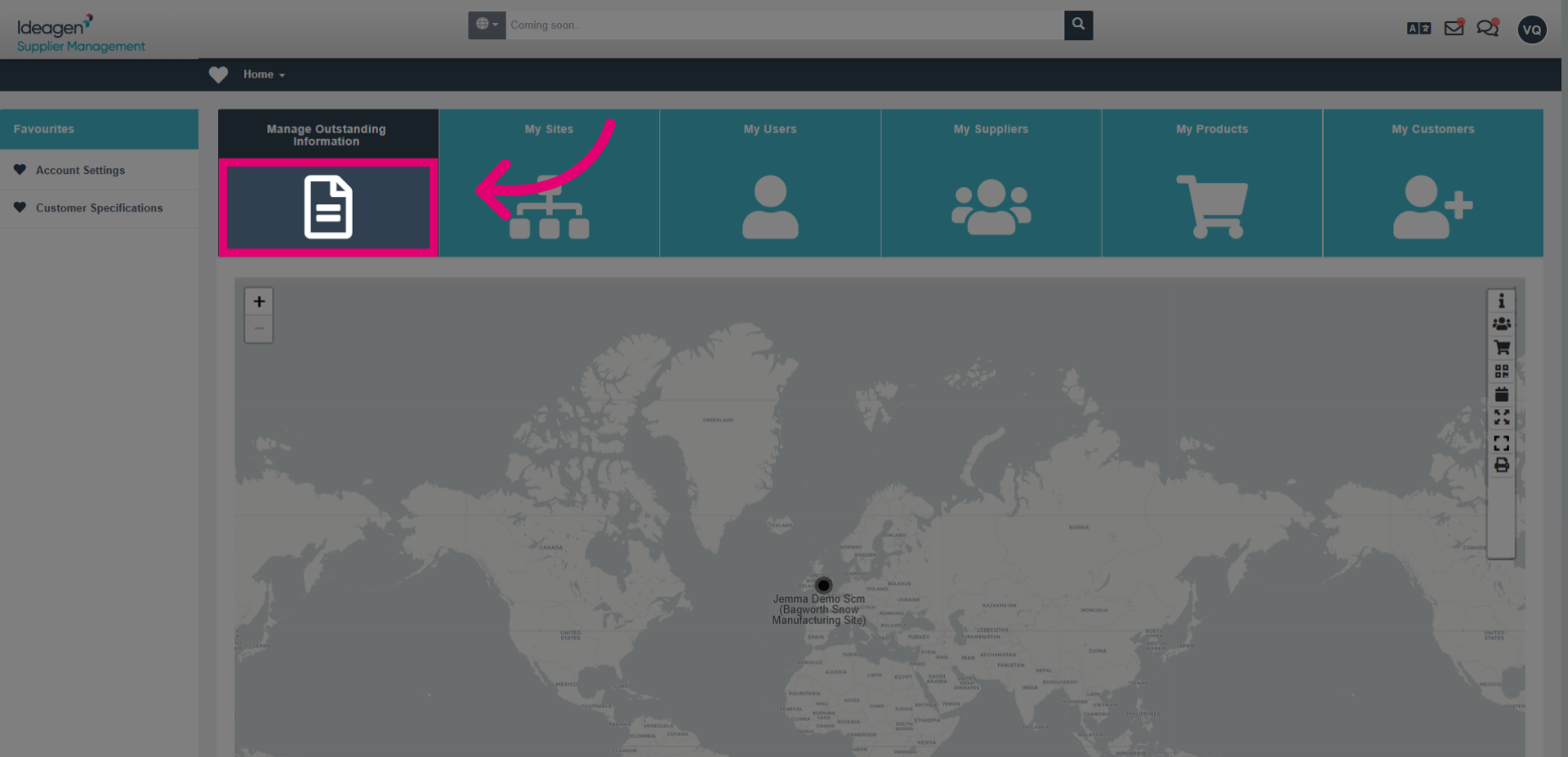
- Click on Manage Outstanding Information to access all outstanding information and actions.
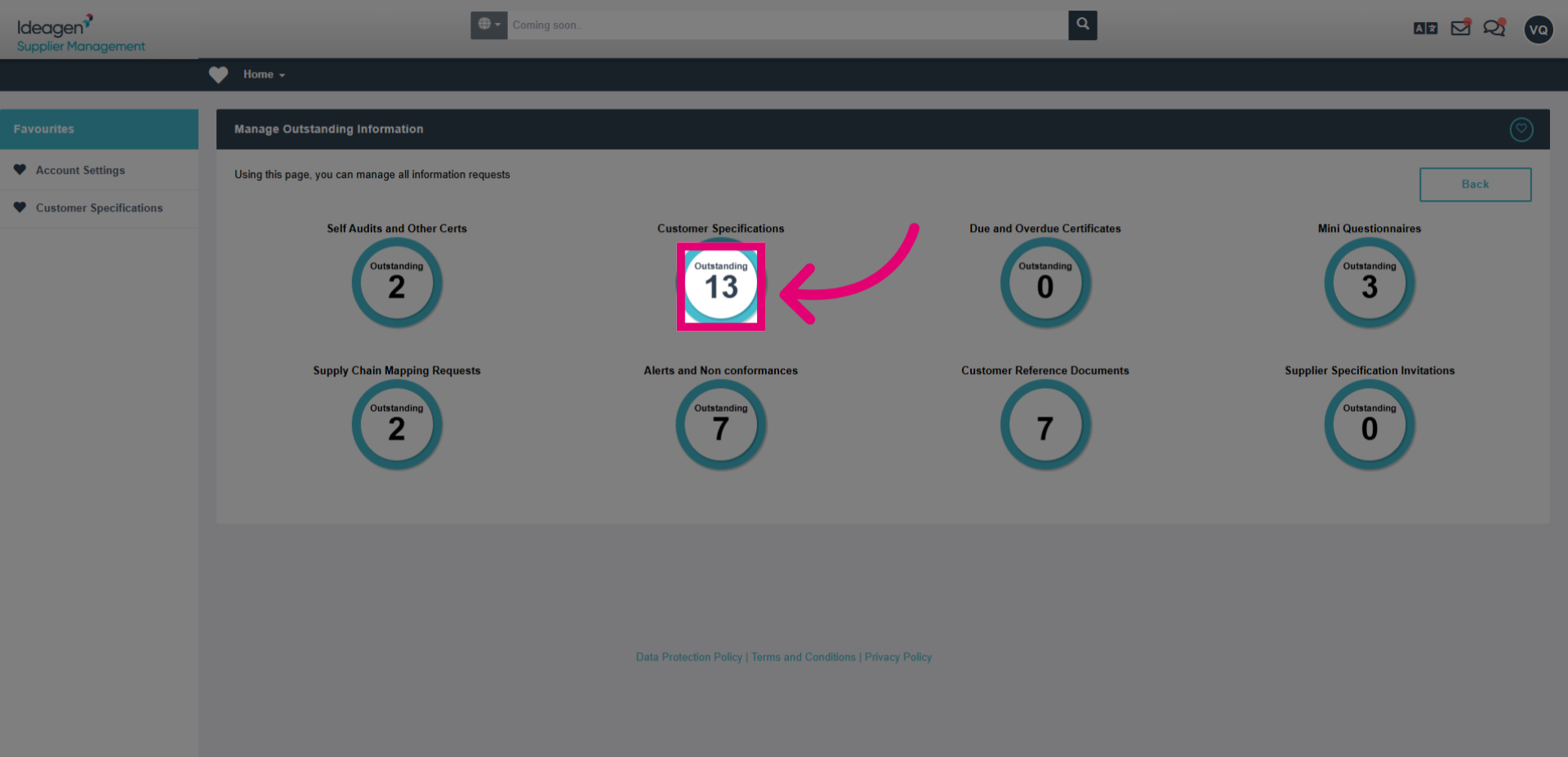
- Select the customer specification circle to view the outstanding specifications.
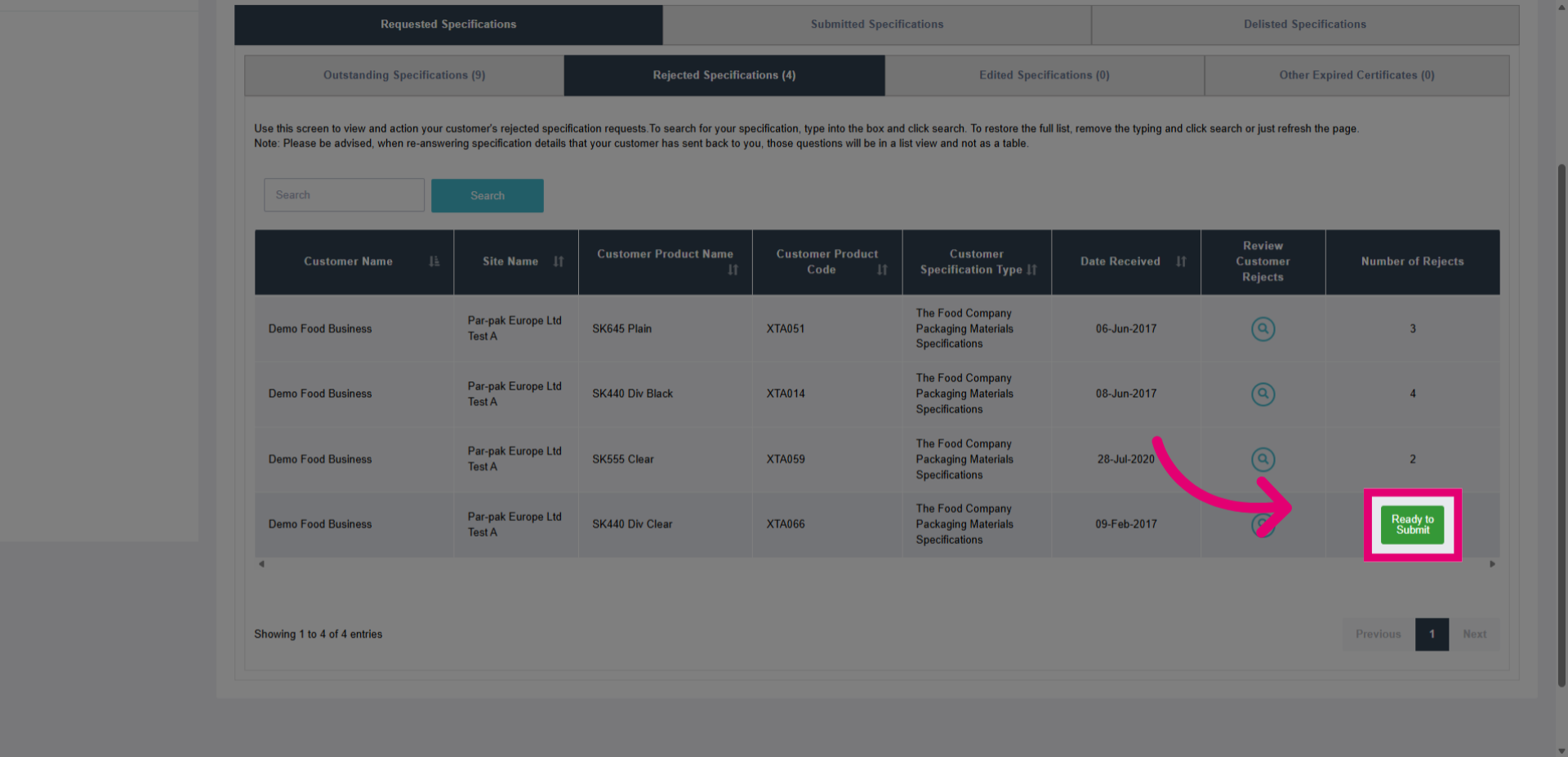
- Click on the Ready to submit green button to start the submission process.
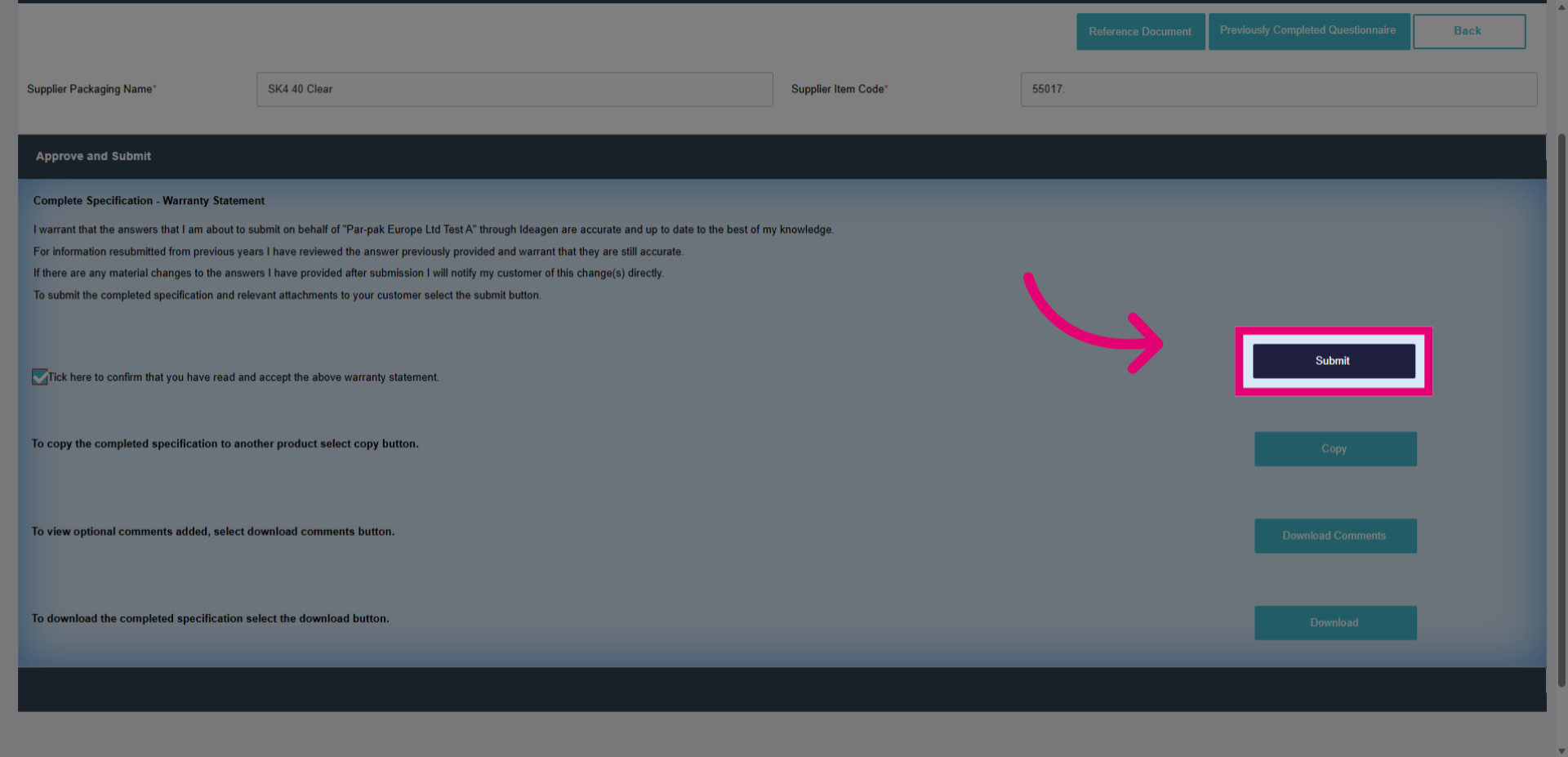
- Click the checkbox to confirm that you have read and accepted the warranty statement.
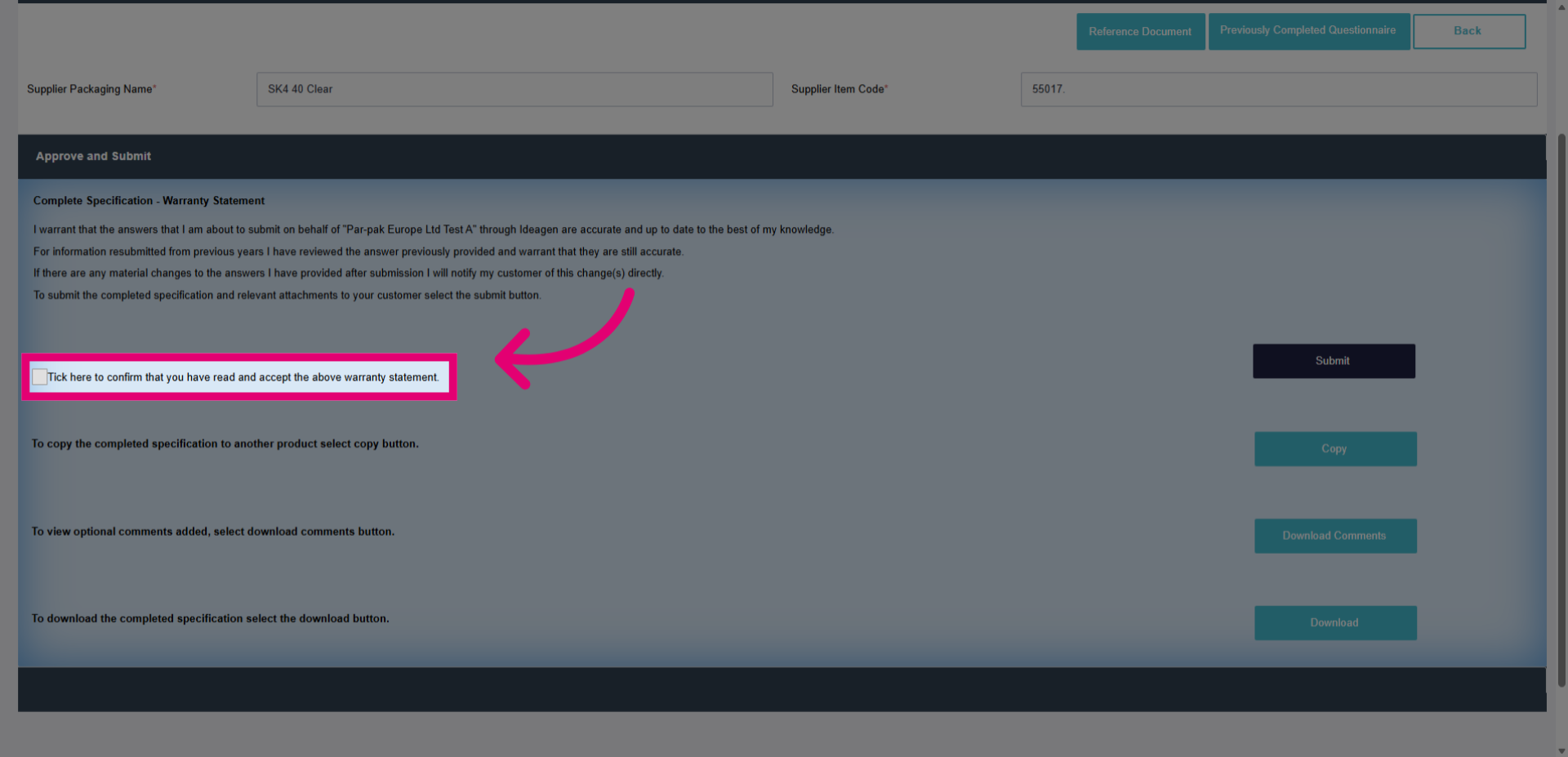
- Click the Submit button to finalize and send your specification for approval from the customer.