New article
Recently updated
Submitting a specification on Ideagen Supplier Management

Who is this article for?
Suppliers using Ideagen Supplier Management
No special access or permissions at required
This session will guide you through submitting a specification on Ideagen Supplier Management.
You will learn the essential steps to complete and finalize your specification submission efficiently.
1. Submit Your Specification
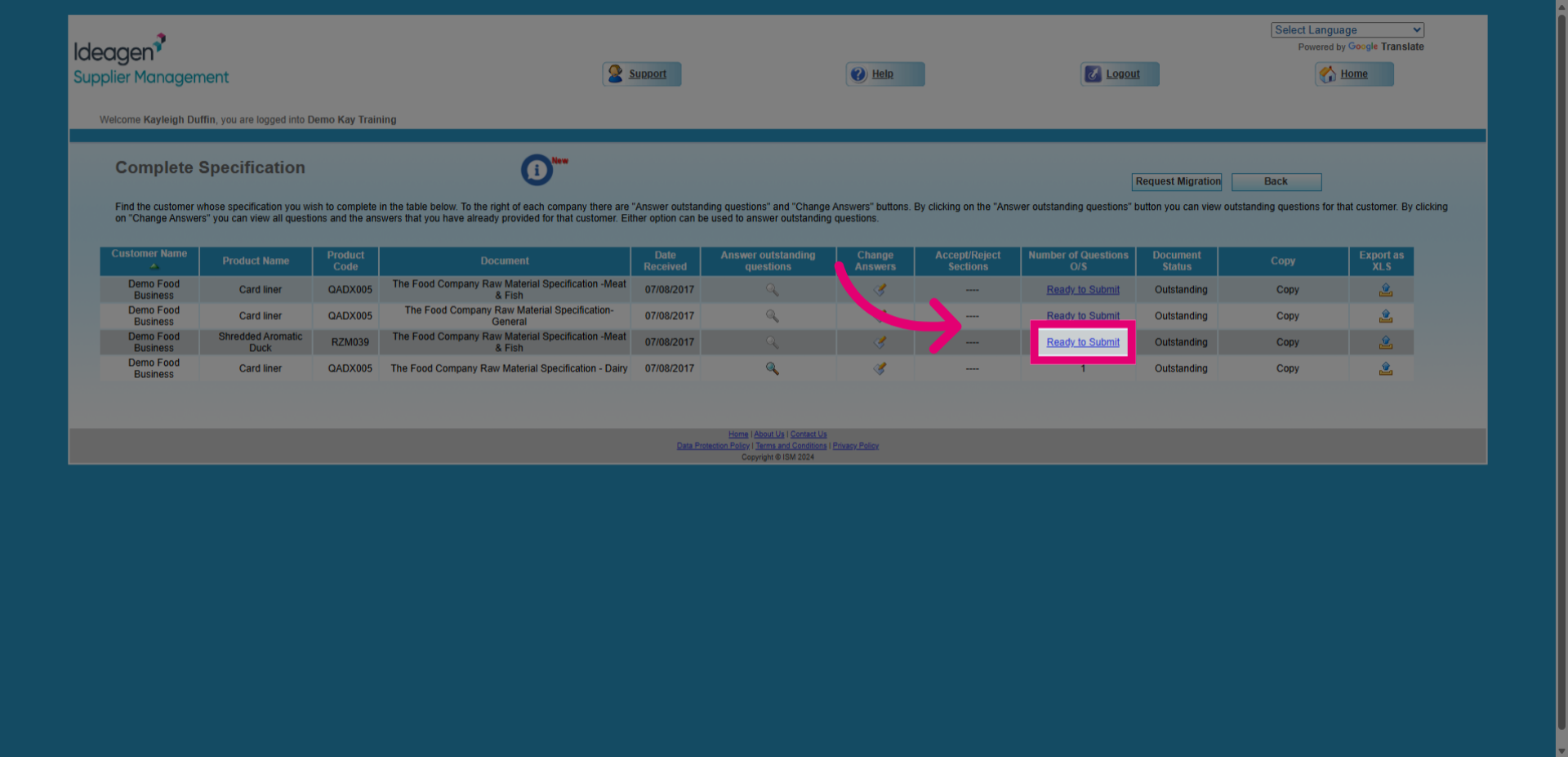
- Click the Ready to Submit button on the specification document you wish to submit back.
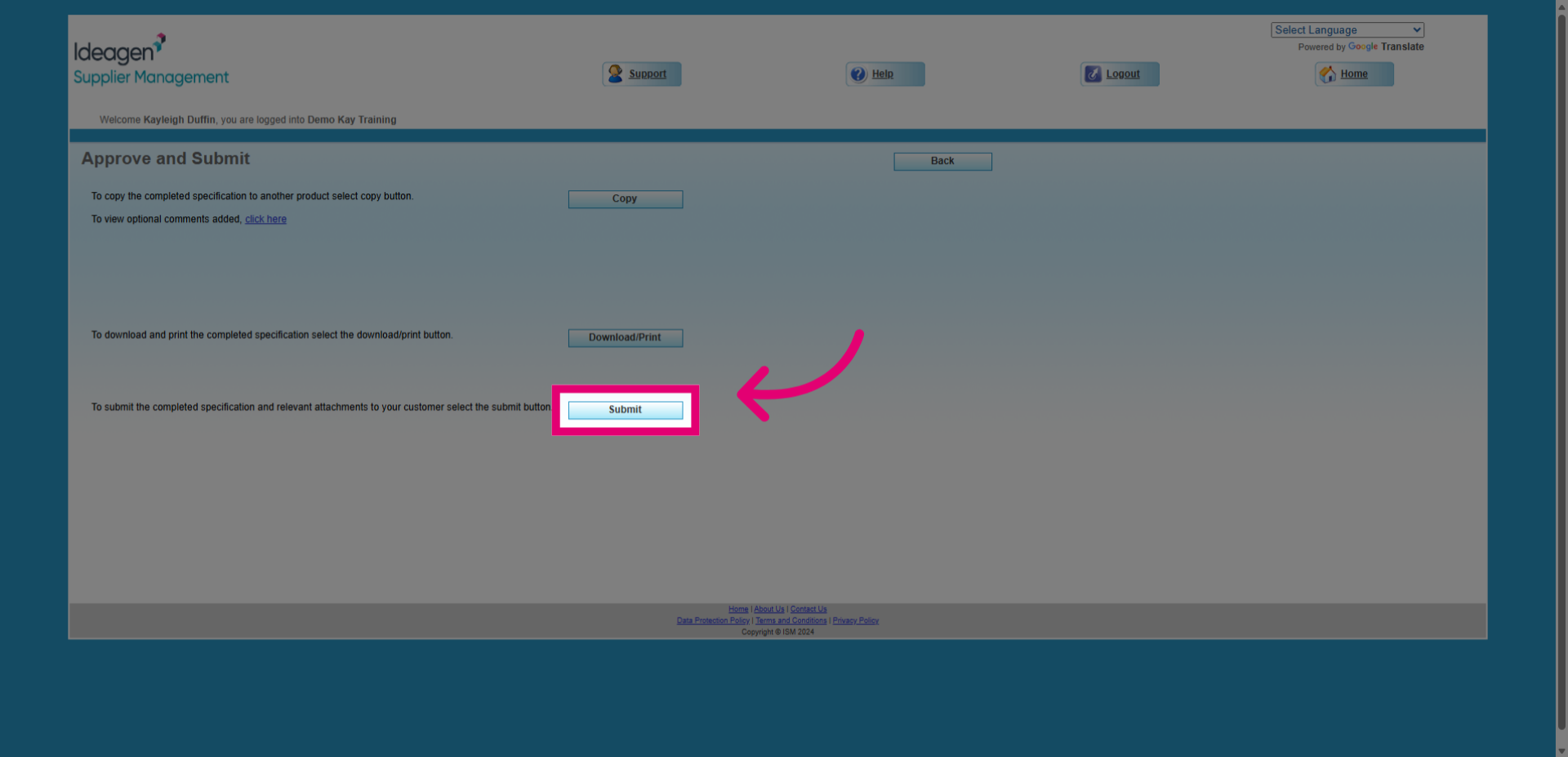
- Click the Submit button to proceed with submitting your specification for review.
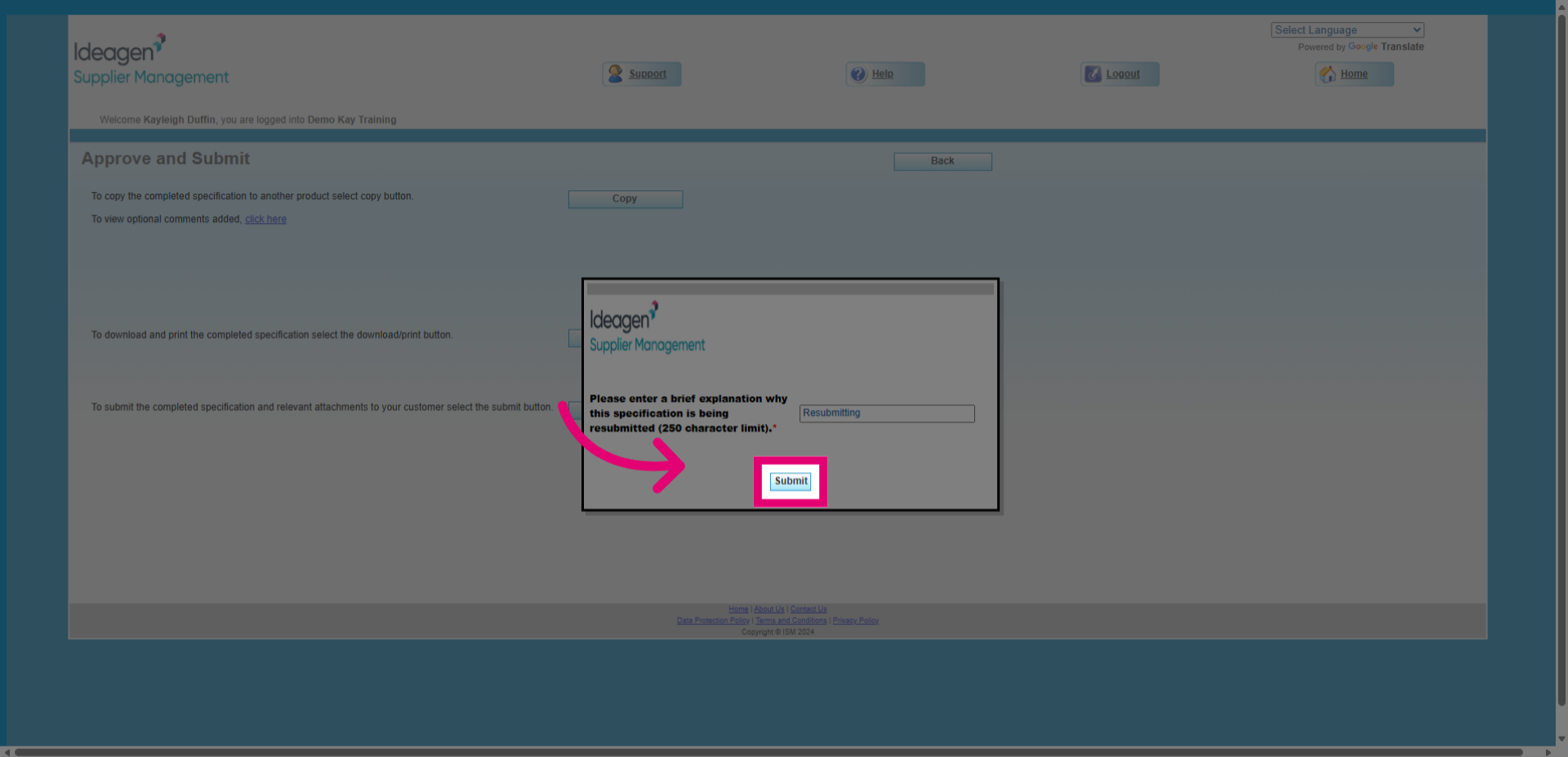
- Enter your reason for resubmitting the specification.
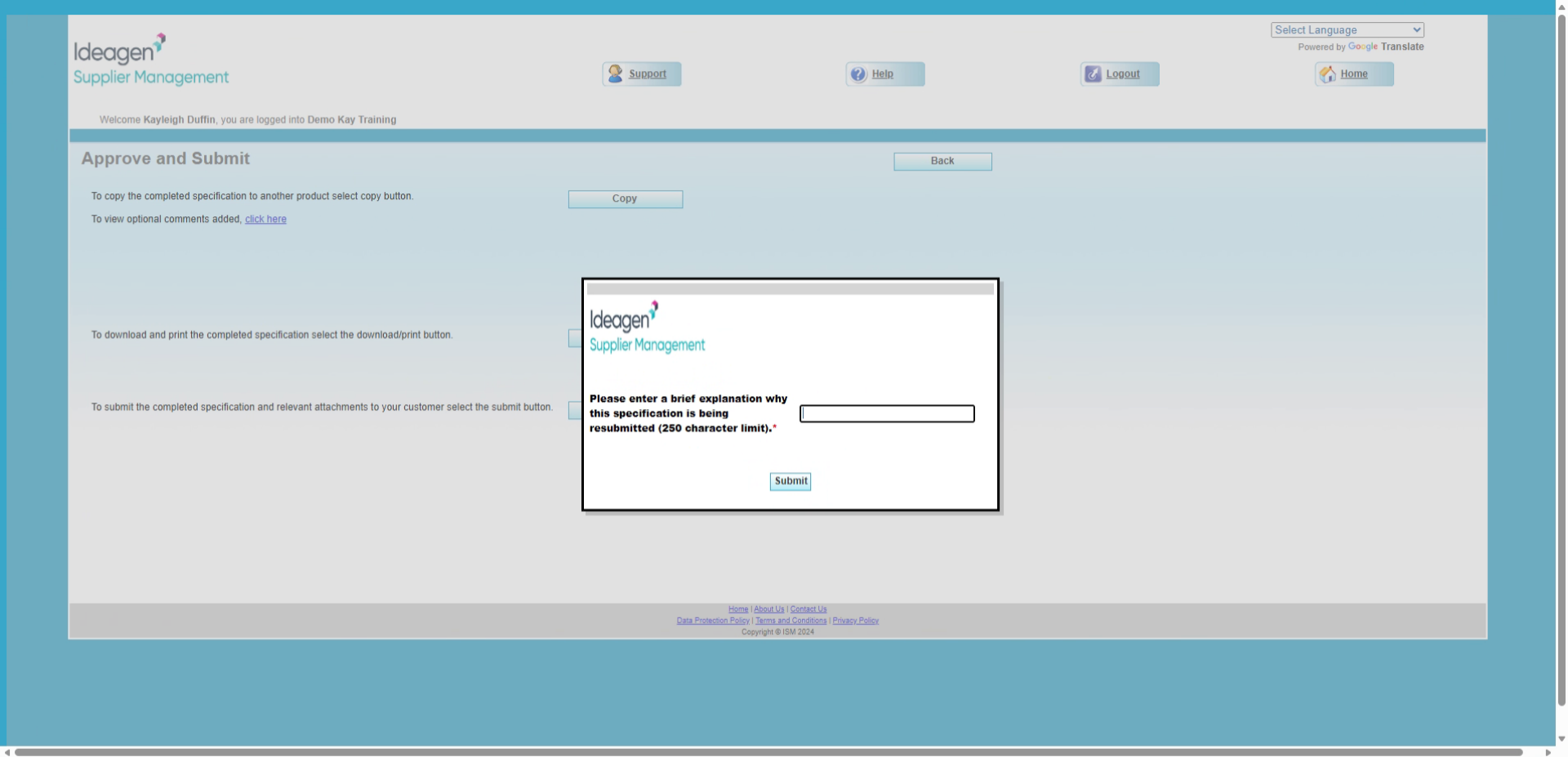
- Click the Submit button to confirm your resubmission.
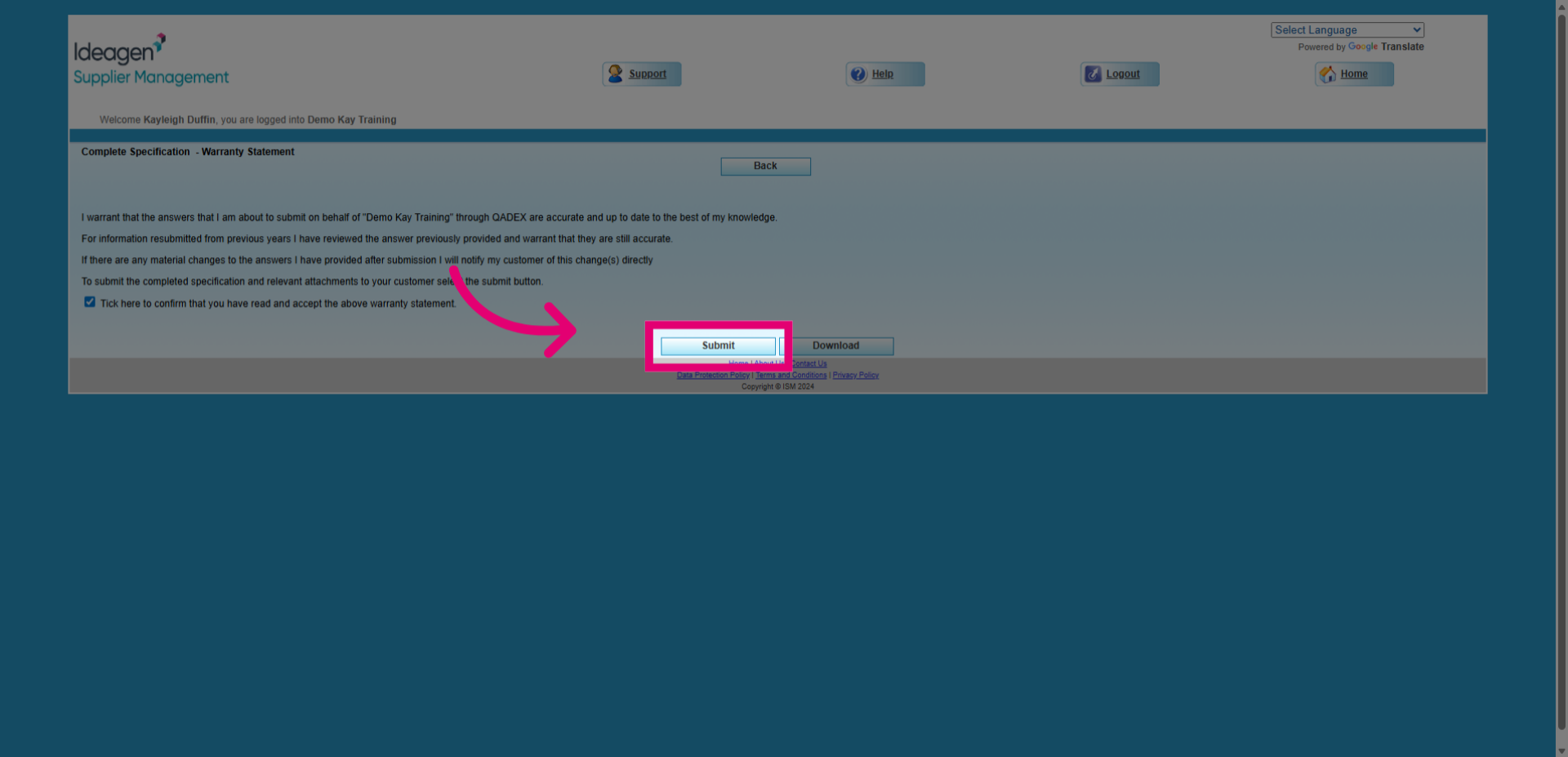
- Read the warranty statement and tick the 'Click here' box to confirm that you have read and accepted the warranty statement.
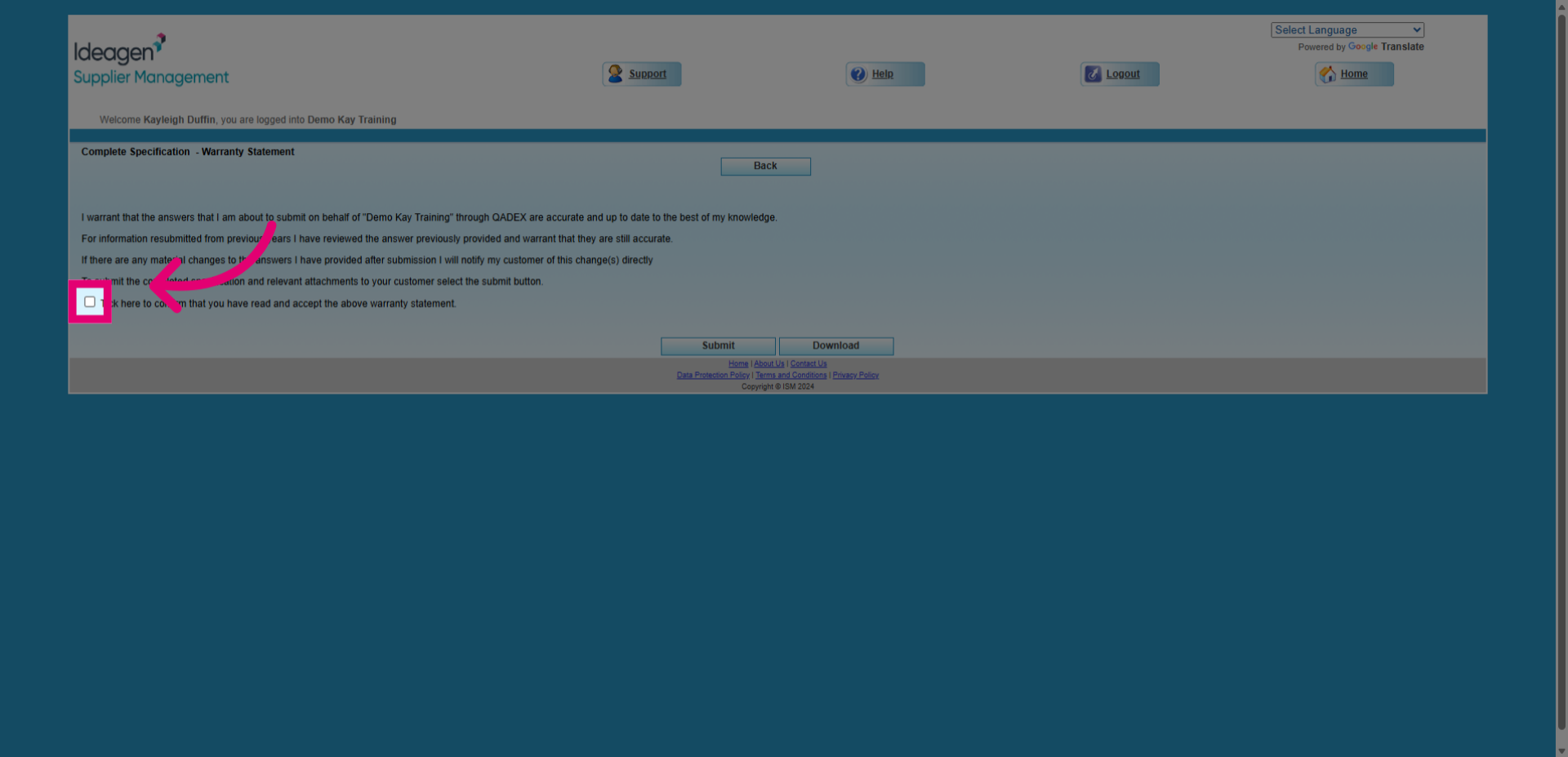
- Click the Submit button to finalize and complete your specification submission.