New article
Recently updated
Accessing the supplier reference library in Ideagen Supplier Management (SCM)

Who is this article for?
Supplier users who need to access customer reference documents
No special access or permissions at required
This session will guide you through accessing the supplier reference library within Ideagen Supplier Management (SCM).
You will learn how to navigate to the supplier reference library and download relevant customer reference documents.
1. Navigate to the Supplier Reference Library
- View the introduction screen to begin navigating to the supplier reference library.
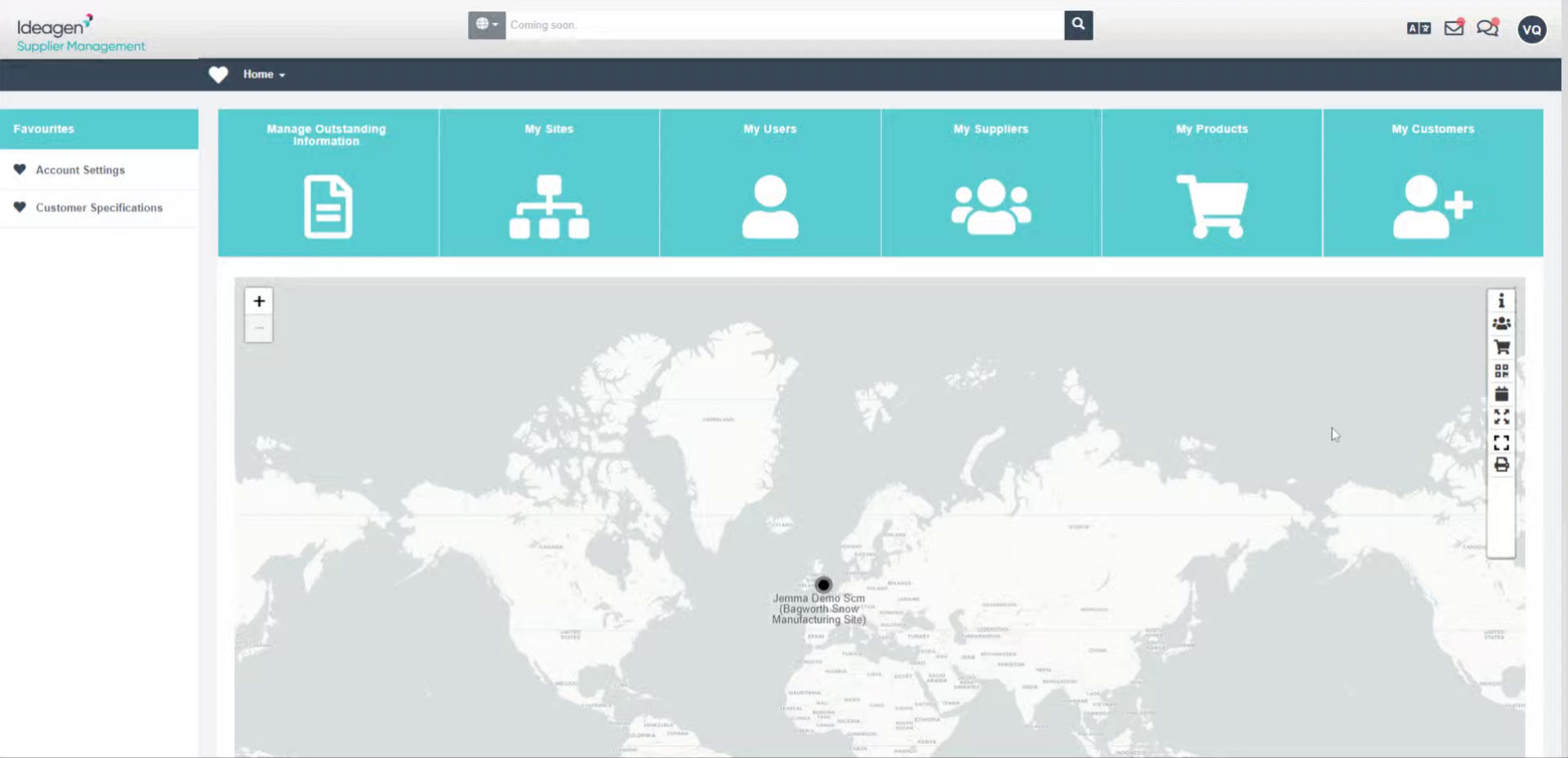
- Click Manage Outstanding Information to open the outstanding information requests.
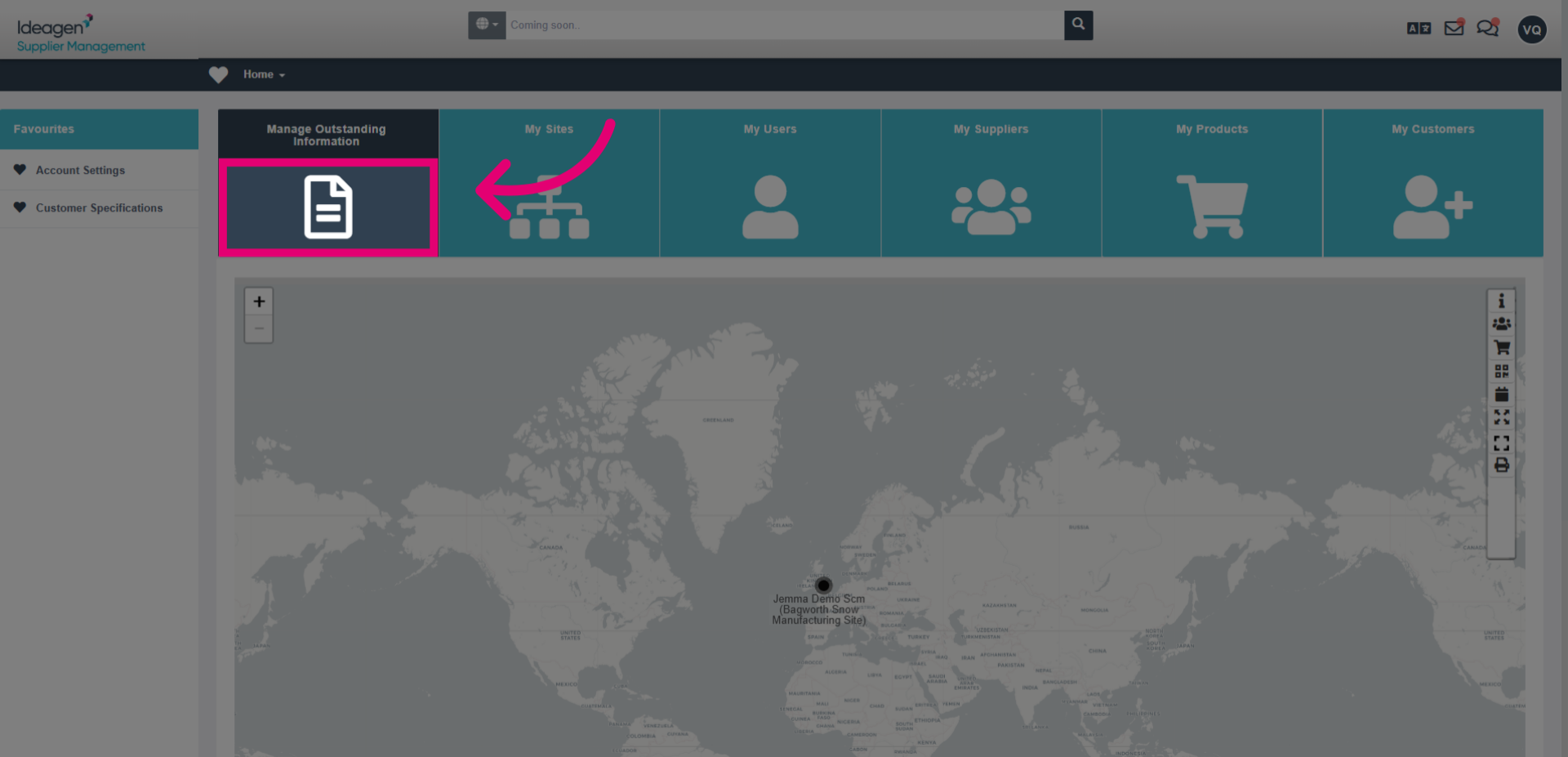
- Select the Customer Reference Documents circle to access the reference library.
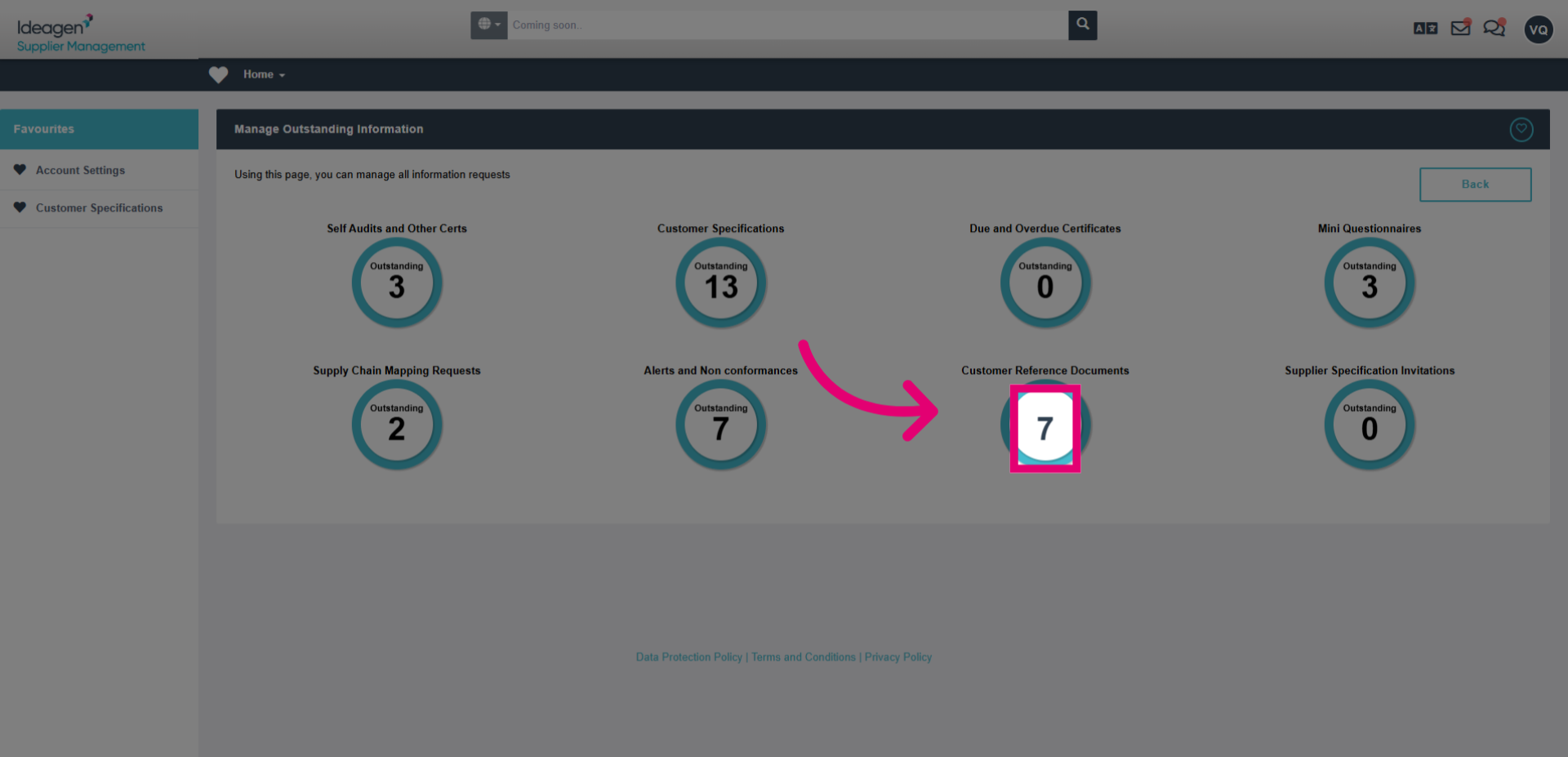
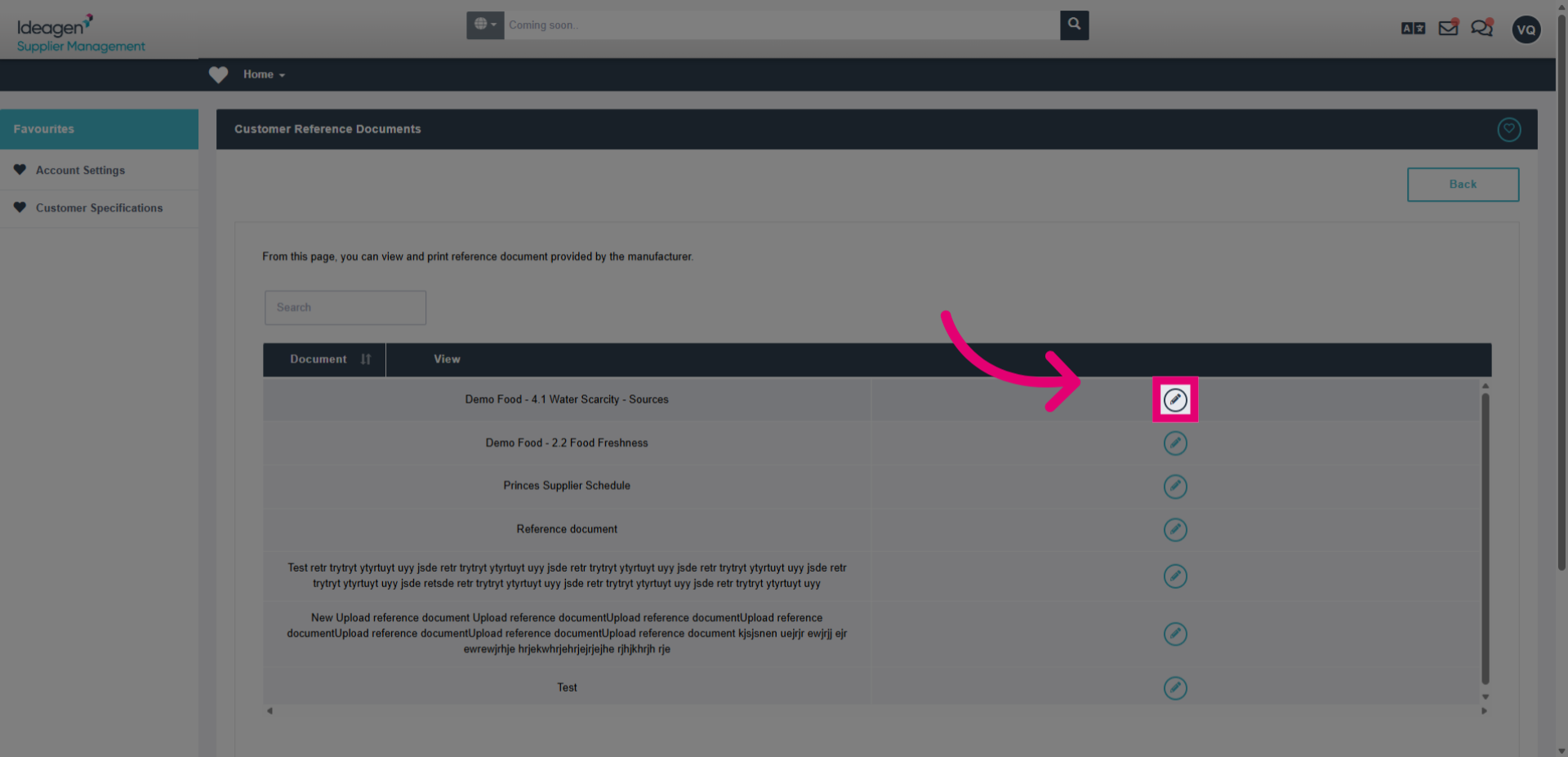
- Click the download link to download the relevant document from the supplier details.