New article
Recently updated
Resetting your password

Who is this article for?
Users who need to reset their account password.
No special access or permissions are required.
This article walks you through resetting your password for the Supplier Management platform.
1. Resetting a password
To reset your password:
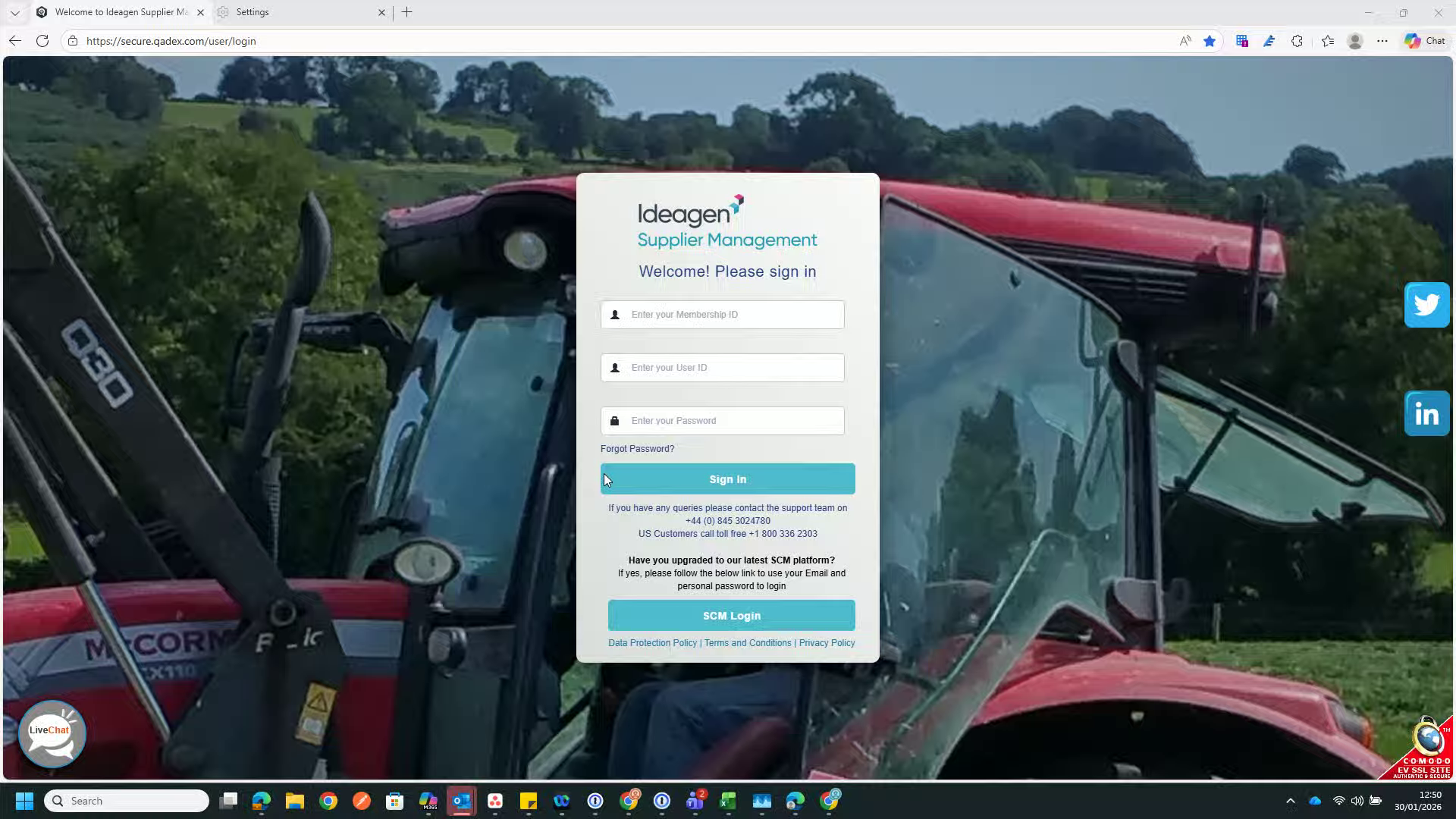
- Go to the sign in page.
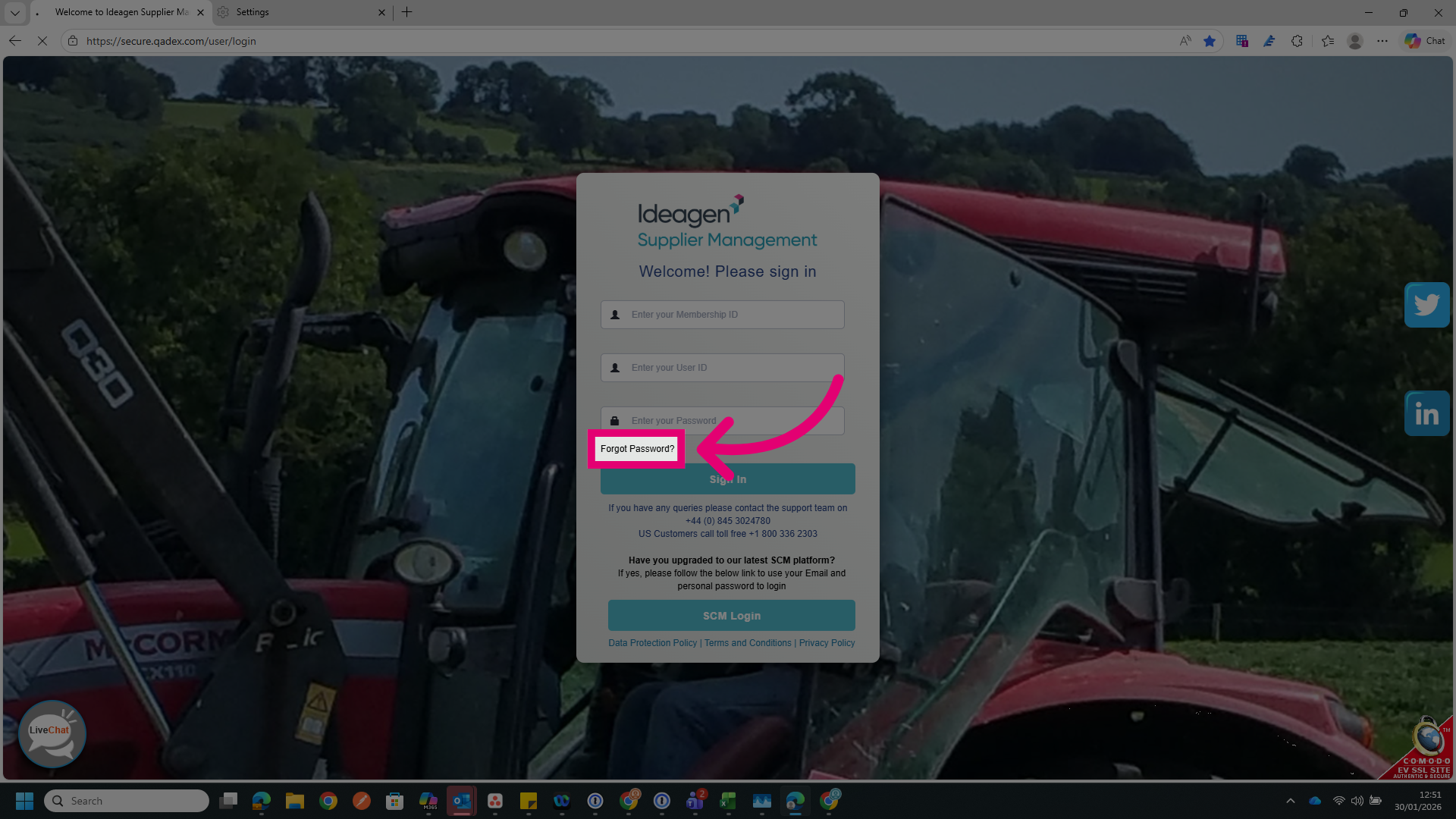
- Click Forgot Password?
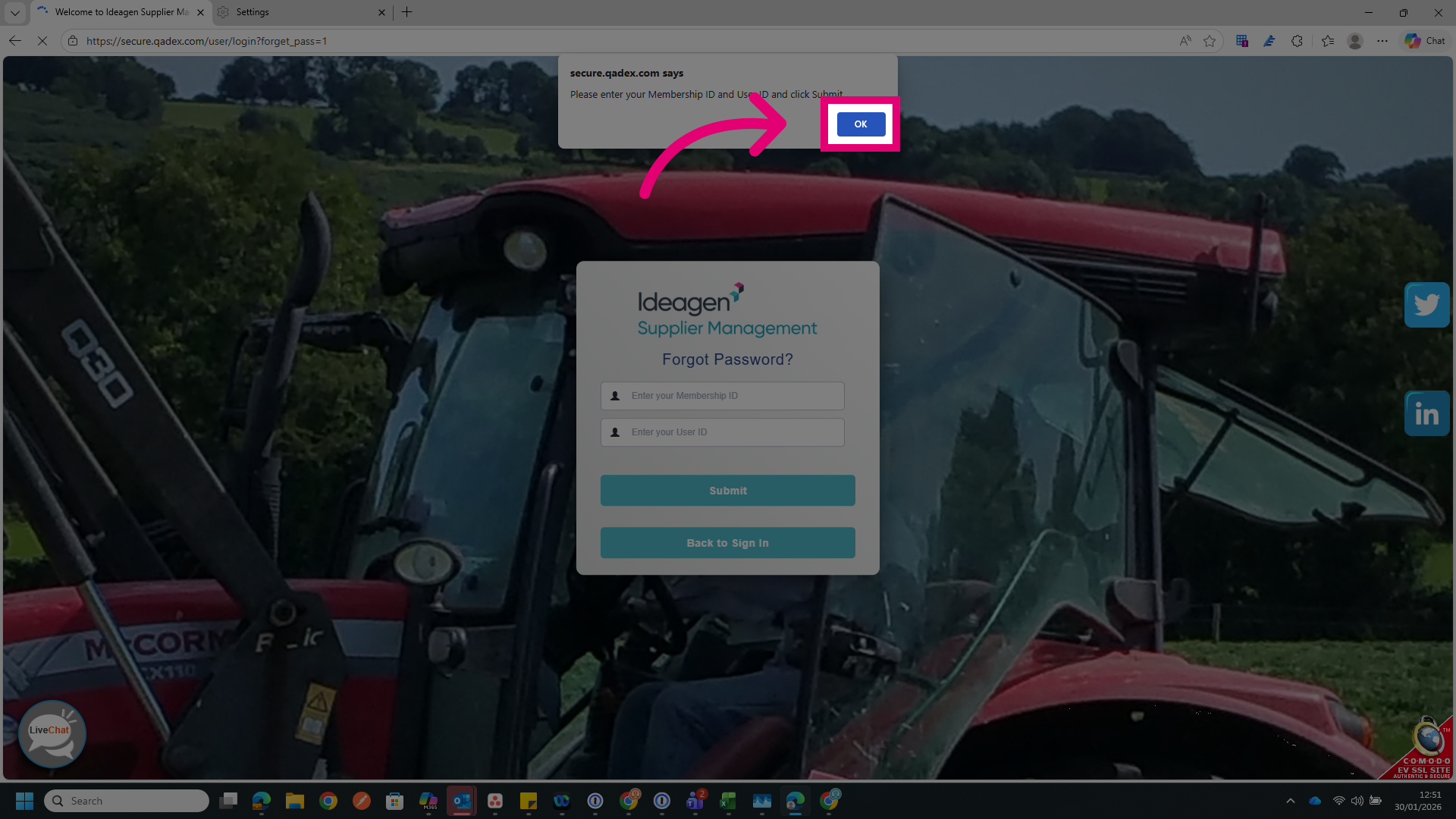
- Click OK to dismiss the prompt.
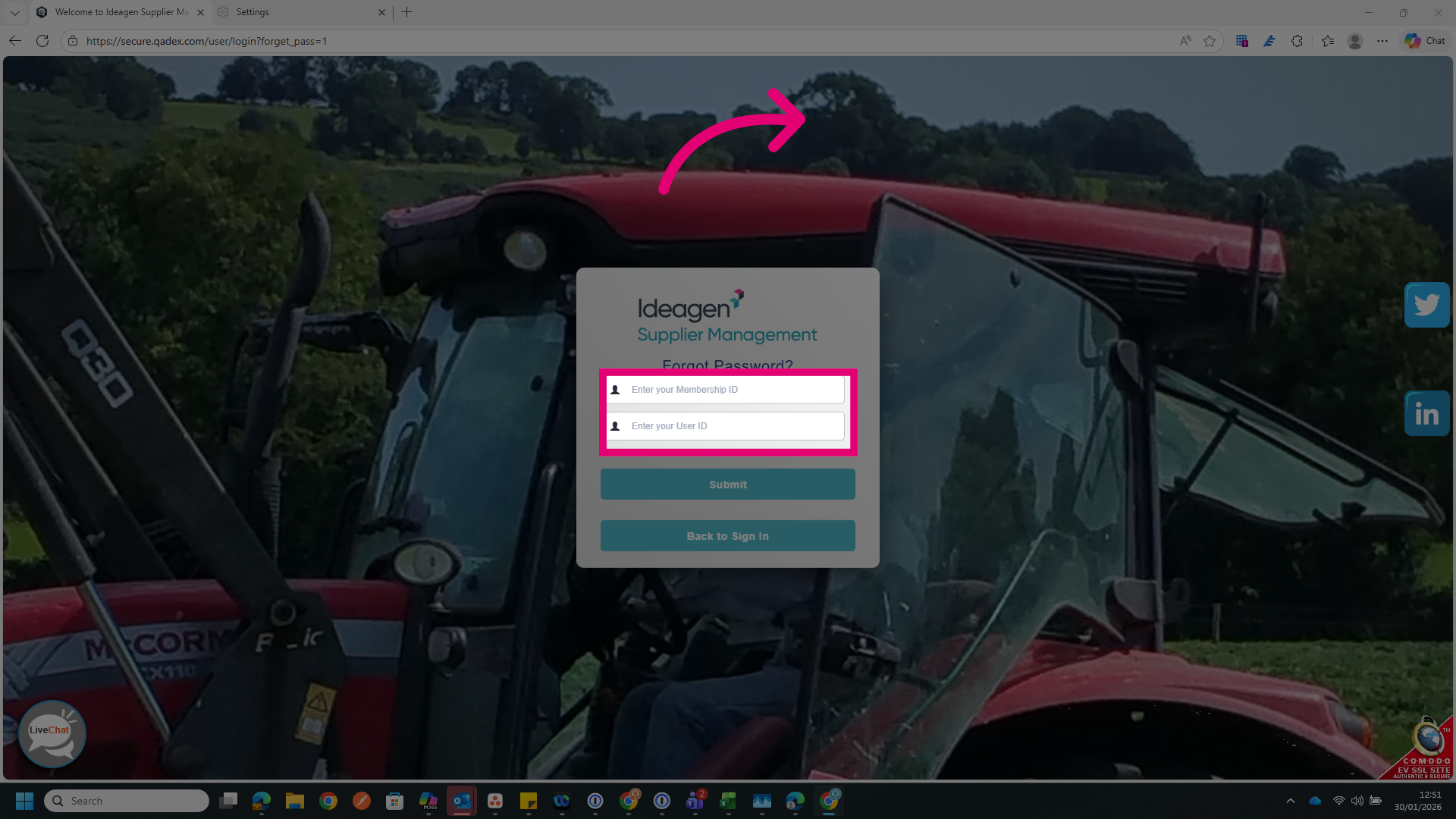
- Enter your Membership ID.
- Enter your User ID.
This helps us verify your account.
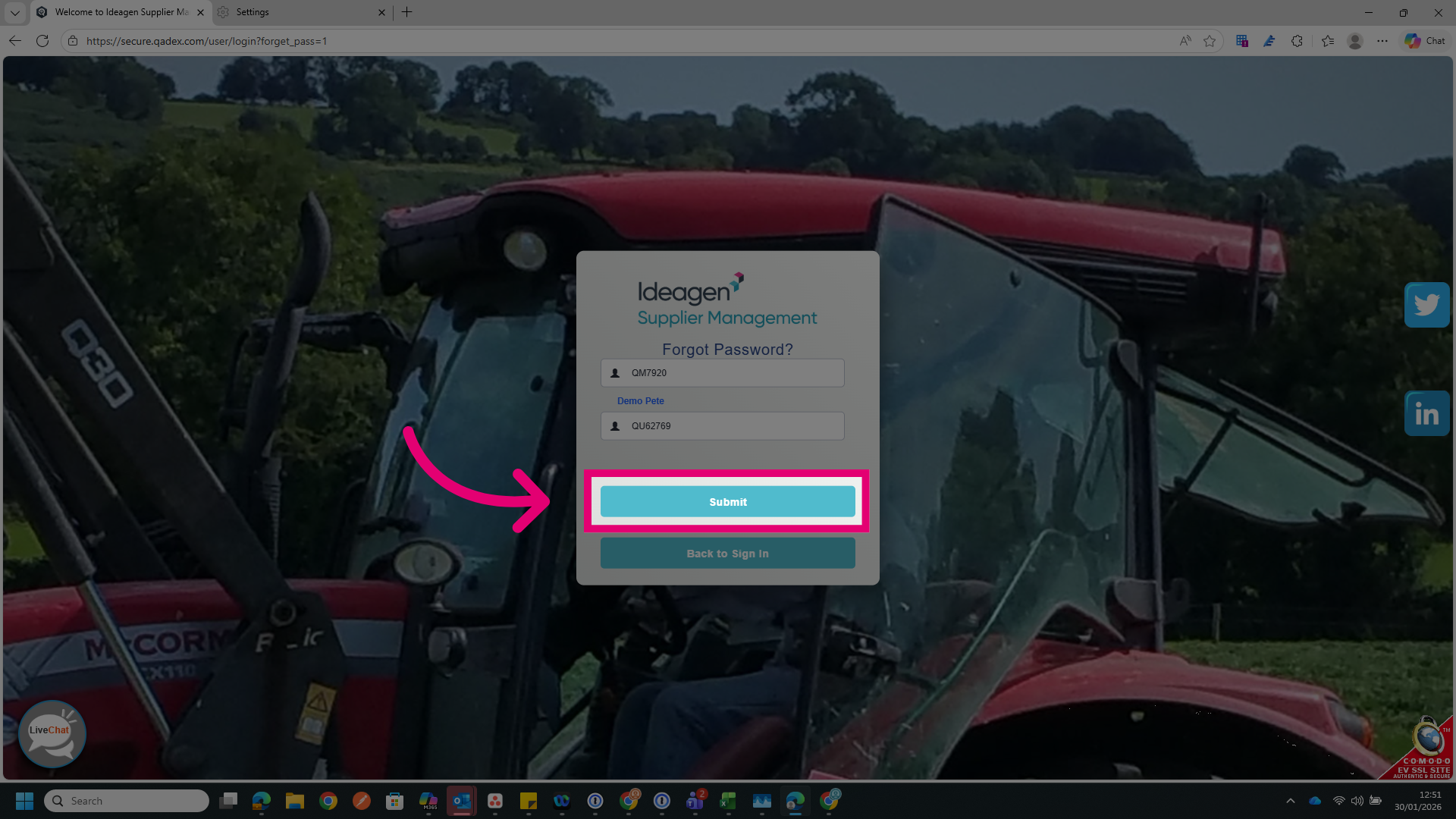
- Click Submit.
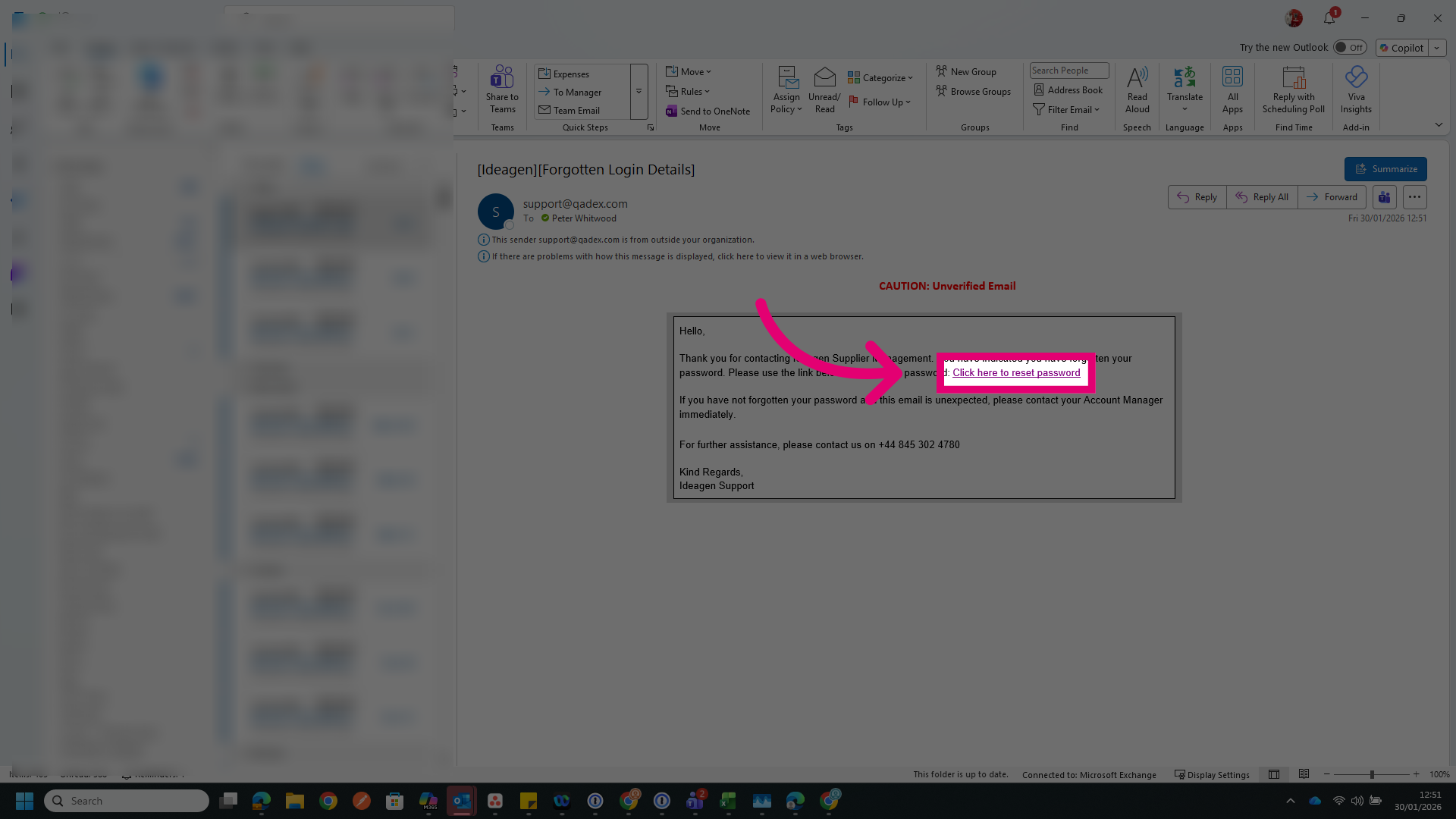
- Access the email inbox for the address associated with your account.
- Click the link provided in the email.
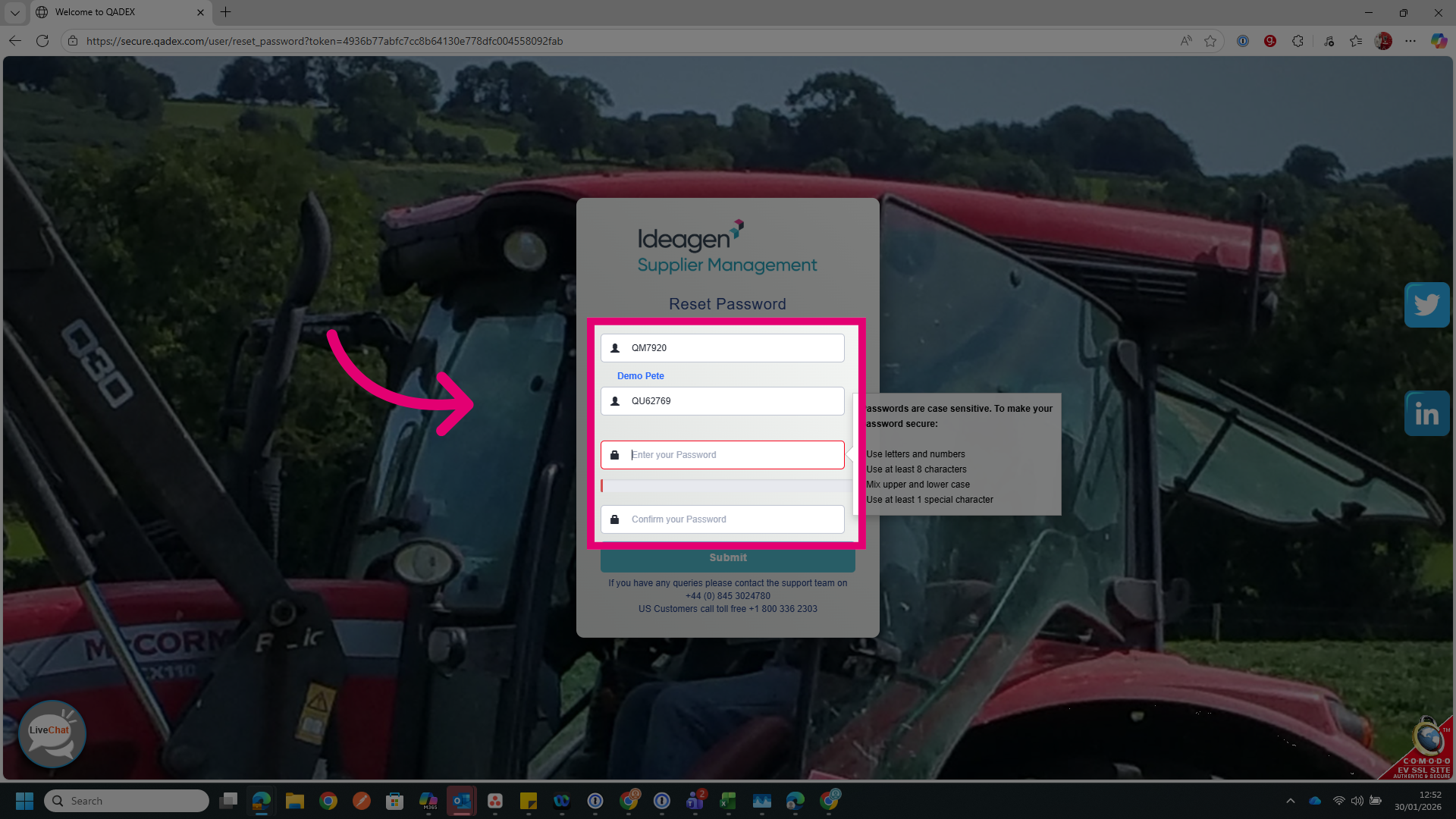
- Confirm your Membership ID.
- Confirm your User ID.
- Enter and confirm a new Password.
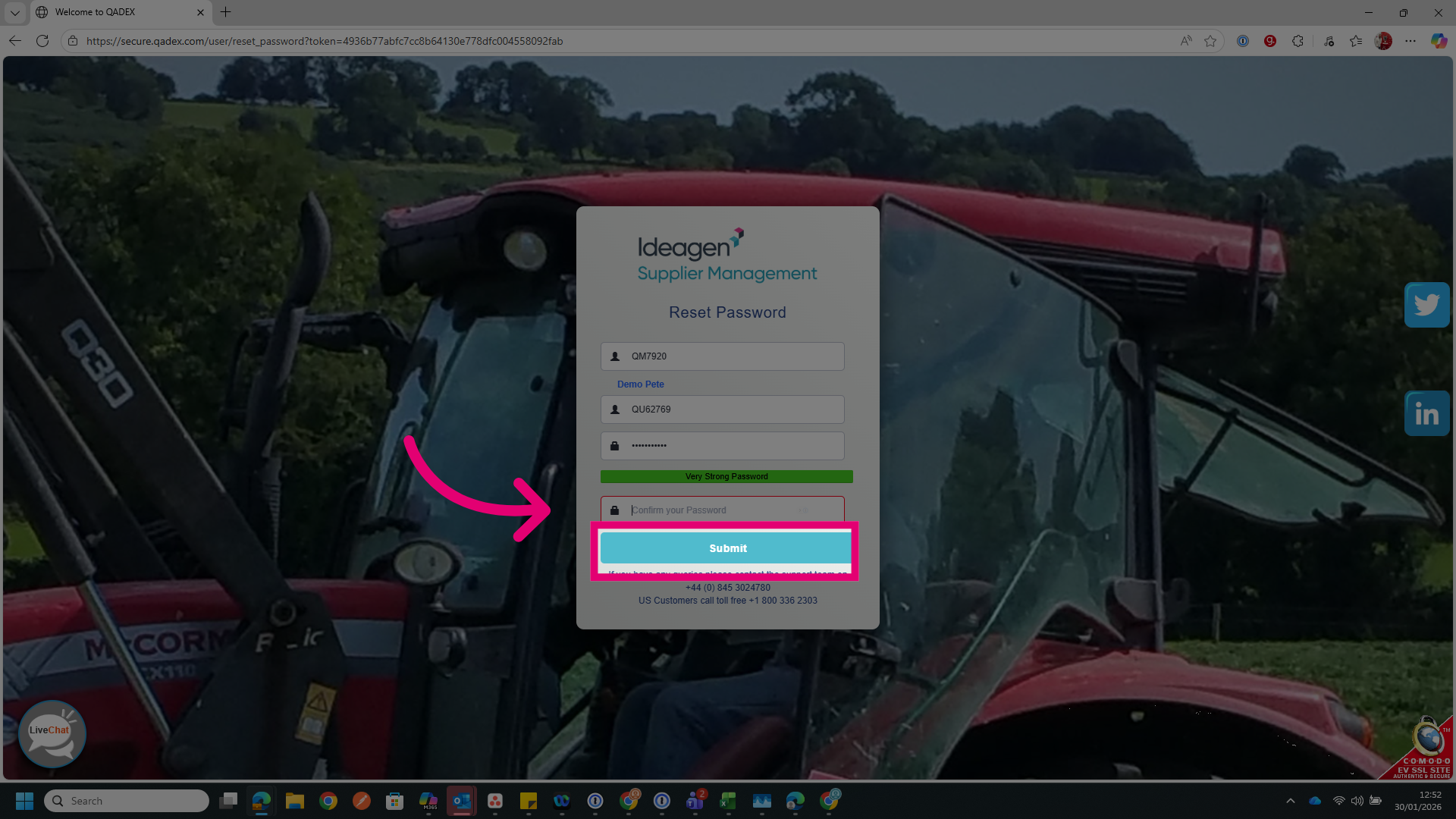
- Click Submit.